
Fix a Muffled Earpiece During Calls
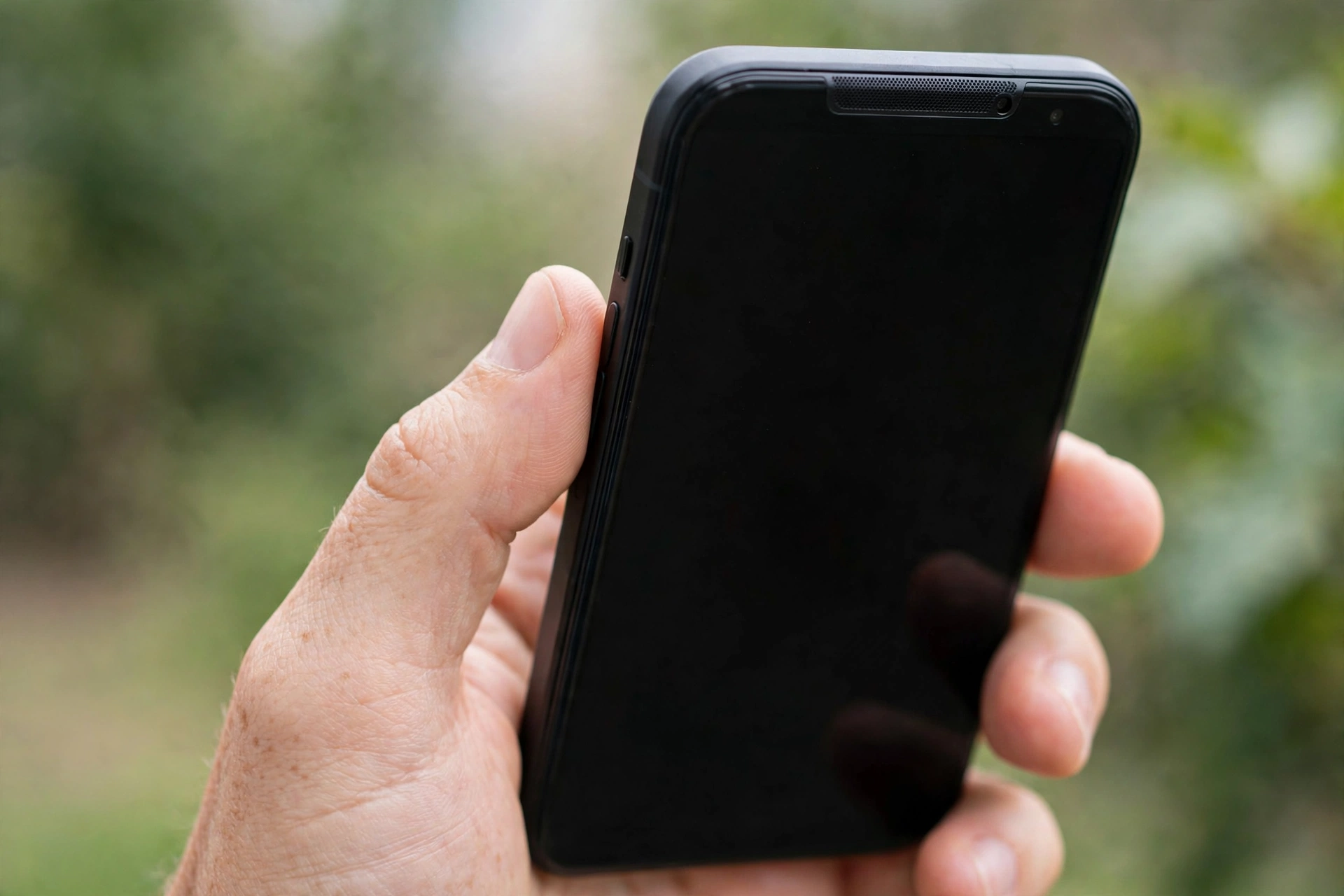
When your phone speaker sounds muffled during calls, the earpiece — the small slot at the top of the phone you hold to your ear — is usually blocked, covered by a case, or sending the call to the wrong output. Music and videos can sound clear at the same time, because they use the main bottom speaker instead.
Earpiece or Microphone: Which Side Is Actually Muffled?
The first thing to settle is who hears the muffling. If callers sound distant or underwater to you, the fault is your earpiece. If you hear them clearly but they say you sound muffled, the fault is your microphone instead.
Test it in one call: ask the other person how you sound, then listen to how they sound. If only their side is muffled, check the microphone hole at the bottom of the phone for lint and remove any case covering it — the same blockages and routing faults affect the mic.
Cleaning the Earpiece Grille Without Damaging It
The earpiece grille is a narrow slot that collects dust, lint, skin oils, and pocket debris. Even a thin layer can make voices sound distant or dull, while the main speaker still sounds normal.
Hold the phone under a bright light and look at the slot. Grey dust or lint packed into the grille is very likely the cause. Brush it gently with a soft, dry toothbrush, using short strokes across the slot so dust falls out. Sticky tape pressed lightly over the grille picks up loose dust well.
Never poke the grille with a pin, needle, or SIM ejector tool: the mesh behind the slot is thin, and a sharp object can tear it or push debris further inside. Do not blow hard into the slot either — moisture from your breath gets trapped behind the mesh. Test with a normal call afterwards, holding the phone to your ear rather than on speakerphone.
Cases and Screen Protectors That Cover the Slot
A case or screen protector that overlaps even part of the earpiece can muffle every call, and it is easy to miss because the overlap may be only a millimetre or two at the edge of the slot.
Take the case off entirely and make a test call. If the sound clears up, the case is the cause — check whether its cutout lines up exactly with the earpiece slot. A case made for a different model, or one fitted slightly off-centre, can block the slot while fitting the rest of the phone perfectly.
Check the screen protector next, especially a tempered glass one. If its top edge covers the earpiece slot, peel it off and test a call. A proper protector has a cutout for the earpiece; one without it muffles every call. Replace it with one that has the correct cutout for your exact model.
In-Call Volume, Speakerphone and Audio Routing
A muffled earpiece can also be a routing problem rather than a blockage. In-call volume is separate from media volume, so it can sit near zero while music plays loudly, and call audio can be sent to the wrong output entirely.
During a call, press the volume-up button — the in-call volume bar is the one that matters, not the media bar from videos. Look at the call screen for the speaker or audio button: if speakerphone is on, the sound comes from the bottom speaker and can sound echoey or distant, so tap it to switch back to the earpiece.
If you use Bluetooth headphones, earbuds, or a car system, turn Bluetooth off and test a call on the earpiece alone — a paired device switched off or in another room can still hold the call audio. Disconnect wired headphones or a USB-C audio adapter too, then test again.
Bluetooth, Hearing Settings and Wi-Fi Calling
Accessibility and network settings can change how call audio sounds in ways that are hard to trace. A hearing-aid or audio-balancing setting can make one side dull, and a weak Wi-Fi connection can degrade Wi-Fi calls so voices sound muffled or broken up.
On iPhone, open Settings, then Accessibility, then Hearing, and check Hearing Aid Compatibility and the audio balance slider. Turn off mono audio and centre the balance, then test a call. Under Settings, then Accessibility, then Audio and Visual, there is also a Phone Noise Cancellation toggle — try it both on and off.
On Android, the same settings live under Settings, then Accessibility, then Hearing enhancements. Turn Wi-Fi calling off and test a call on mobile data, then turn it back on and test on Wi-Fi: if calls are clear on data but muffled on Wi-Fi, the connection is degrading the call, not the earpiece. You can also run the free speaker test on myspeakerfix.com to confirm the phone’s speakers are working.
When the Earpiece Itself Has Failed
If the grille is clean, the case and protector are off, the routing is correct, and the earpiece still sounds muffled, the earpiece speaker itself may be faulty. The mesh behind the grille can tear, the speaker can wear out, or an internal connection can loosen — and no setting fixes any of those.
Compare speakerphone with the earpiece in the same call. If speakerphone sounds clear but the earpiece stays muffled, the earpiece hardware is the problem, not the network. Clear sound through headphones points the same way. Test in safe mode on Android — if the earpiece is clear there, a downloaded app is interfering, so remove recently installed call recorders and sound boosters before paying for a repair.
An earpiece replacement is usually a small repair a shop can do without replacing the whole phone. When you go in, describe what you tested — grille cleaned, case off, speakerphone clear — because that points straight at the earpiece and saves diagnostic time. A factory reset is the last software step before a repair, and only worth it if safe mode suggests a software cause; back everything up first.
Frequently Asked Questions
Why does my phone speaker sound muffled only during calls?
Because calls use the earpiece at the top of the phone, while music and videos use the main bottom speaker. A blocked or covered earpiece only affects calls.
Can a screen protector make calls sound muffled?
Yes. A tempered glass protector whose top edge covers the earpiece slot muffles every call. Remove it and test a call; if the sound clears, replace it with one that has a proper earpiece cutout.
Why do calls sound muffled on speakerphone too?
If speakerphone is also muffled, the problem is more likely the network, the other person’s phone, or a system-wide audio issue rather than your earpiece.
Will a factory reset fix a muffled earpiece?
Only if the cause is software. A reset erases all your data, so clean the grille, remove the case, and test in safe mode first.