
How to Stop Your OnePlus 12 Speaker Buzzing
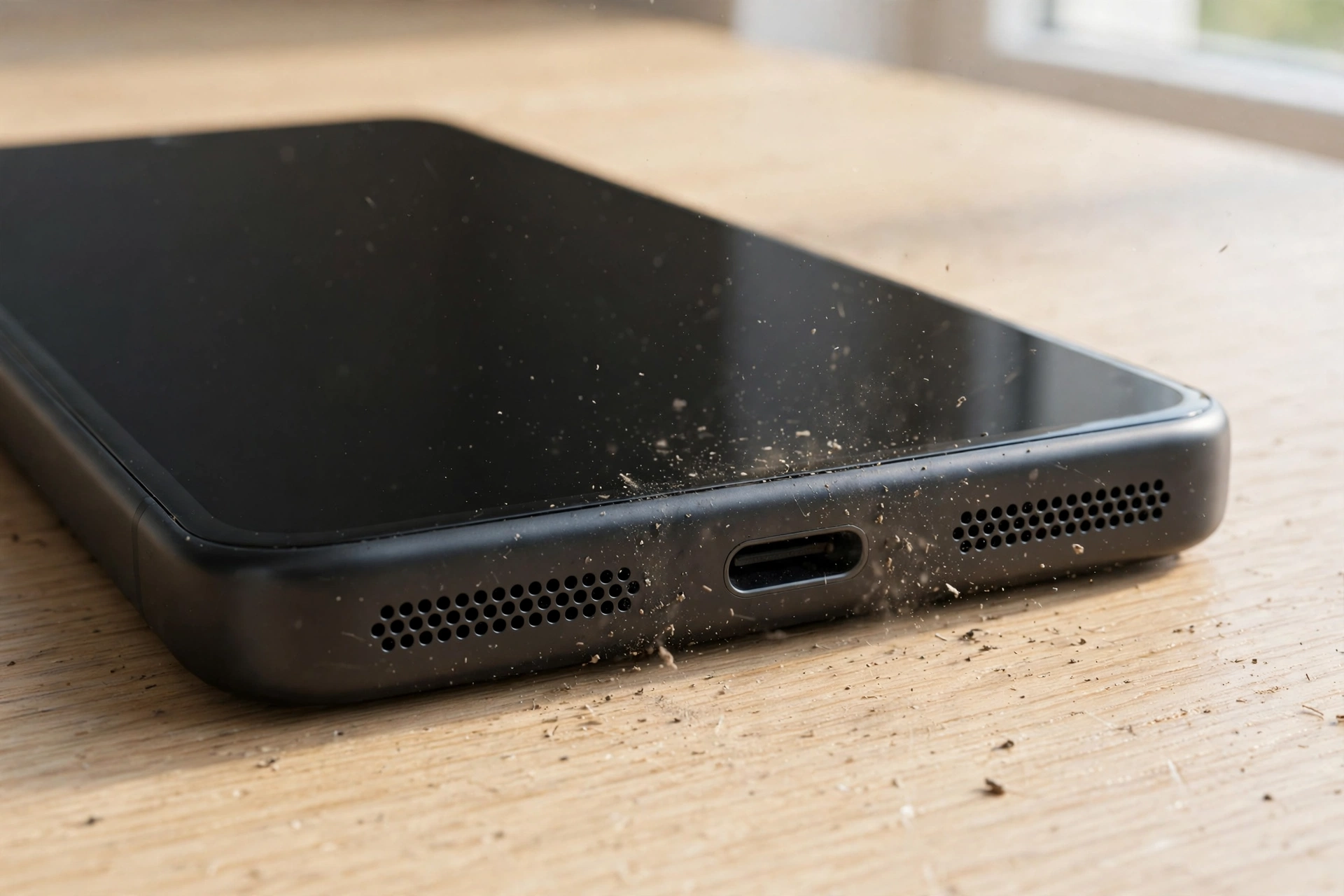
A OnePlus 12 speaker that buzzes or crackles at loud volumes is usually not dead — it is being pushed past what it can cleanly reproduce, or something tiny is rattling against the grille. The checks below start with the audio settings and debris that cause most buzzing, and end with the test that proves whether the speaker is damaged.
What the Buzz Actually Sounds Like — and What It Means
Before changing anything, listen closely, because the character of the noise points at the cause. A harsh crackle that only appears on loud, bass-heavy moments and disappears when you turn the volume down a notch is usually clipping — the audio signal is being driven too hard somewhere in the chain. A rattle that stays even at low volume, especially a metallic buzz on certain notes, is often physical: something caught in or behind the speaker grille vibrating against the membrane. And a constant distortion that sounds the same at every volume, on every app, points toward the speaker unit itself.
Play the same loud track in two different apps, then play a spoken-word video. If the buzz follows one app only, that app’s audio processing is the suspect. If it follows every sound on the phone, the problem lives in the phone. This two-minute test saves you from resetting settings that were never the problem.
Tame Dolby Atmos and the EQ Before Blaming the Speaker
The OnePlus 12 ships with Dolby Atmos and a powerful equalizer, and both can make a healthy speaker sound blown. Dolby Atmos presets such as Movie and Music boost the high frequencies and widen the soundstage, which is great on headphones but can push the small phone speakers into clipping on sharp sounds — cymbals, consonants, and notification pings are the first to crackle.
Open Settings, then Sound and vibration, then Dolby Atmos. Switch the profile to Smart, which adapts to what is playing, or turn Dolby Atmos off completely and play the same track again. If the buzz vanishes, the preset was clipping — leave it on Smart and the speaker is fine.
Next, check any equalizer. OxygenOS has a built-in EQ under Sound and vibration, and third-party music apps and volume-booster apps often run their own. An aggressive EQ that boosts the bass and treble at the same time forces the speaker to do more work than it was designed for, and the result sounds exactly like a damaged speaker. Flatten every EQ slider to the middle, turn off any bass boost or “loudness” enhancer, and test again. If a volume-booster app is installed, uninstall it — these apps push the amplifier past its clean limit, and the distortion they cause is often mistaken for hardware failure.
The Bottom Speaker Is a Magnet for Metal Dust
Here is a OnePlus 12 quirk that catches people out: the bottom speaker sits close to magnets in the phone, and those magnets attract fine metallic dust, sand, and pocket lint. A single grain of sand or a tiny metal filing caught against the speaker mesh rattles with every bass note, producing a buzz that sounds like the speaker is torn. It gets worse over time as more debris collects, so a speaker that slowly developed a rattle over weeks is a classic debris case.
Hold the phone under a bright light and look into the bottom speaker grille. If you can see dark specks or a grey film packed into the holes, that is your culprit. Brush the grille very gently with a soft, dry toothbrush, sweeping across the holes rather than poking into them — the membrane sits just behind the mesh and a hard poke can damage it. Never use a pin or a needle.
For dust and moisture trapped deeper in the grille, the free speaker-cleaning tool at https://myspeakerfix.com/ plays oscillating tones that vibrate water and loose dust out of the speaker. Run it a few times with the speaker grille pointing down, then play the same track and listen for the rattle. If the buzz is gone, the speaker was never broken — it was dirty.
Check the Other Speaker and the Balance
The OnePlus 12 has dual stereo speakers: the bottom-firing main speaker and the earpiece speaker at the top. A buzz that seems to come from “the phone” may be coming from only one of them, and knowing which one changes everything.
Play a song and cover the bottom speaker with your thumb. If the buzz disappears, the bottom speaker is the noisy one. Now cover the earpiece and listen — if the buzz stays, the earpiece speaker is the source. Also check the left-right audio balance in Settings, then Accessibility, then Hearing. A balance slider dragged hard to one side forces one speaker to carry the whole signal, which can make it distort at volumes the pair would handle easily. Centre the slider and test again.
If only the earpiece speaker buzzes, try a phone call on speakerphone. The earpiece speaker doubles as a call speaker, and a buzz during calls as well as music points to that unit. If only the bottom speaker buzzes and cleaning did not help, the membrane may be the issue — covered in the last section.
Rule Out Software: Updates, Safe Mode, and a Quick Test
A speaker that started buzzing right after a system update deserves a software check before any repair talk. Restart the phone first, then check Settings, then About device, then OxygenOS version for a newer update — audio driver fixes arrive in ordinary updates.
Safe Mode is the test that catches rogue apps. Press and hold the power button, then press and hold the “Power off” option until the Safe Mode prompt appears and tap OK. Play the same track in Safe Mode. If the buzz is gone, an installed app — usually an equalizer, a volume booster, or a call recorder — is processing the audio and distorting it. Restart normally and remove recently added audio apps one at a time until the buzz stays away.
Also test with wired or Bluetooth headphones. If the same track sounds clean through headphones but buzzes on the speakers, the audio file and the app are fine — the problem is confined to the phone’s speakers, which narrows it to debris or the speaker unit itself.
When the Membrane Is Torn — and What Repair Looks Like
If the buzz survives every setting change, every cleaning, and Safe Mode, and it is constant at all volumes on all apps, the loudspeaker membrane may be torn. This usually happens after long sessions of bass-heavy audio at maximum volume: the membrane flexes beyond its limit and develops a small tear or crease, and from then on it rattles on every bass note. A torn membrane cannot be fixed with software, cleaning, or a reset.
The good news is that the OnePlus 12 loudspeaker is a modular part, so a repair shop can replace the speaker unit without replacing the whole phone. Before booking a repair, note exactly when the buzz started and whether it followed a drop, water exposure, or a period of very loud playback — a repair shop will ask, and that history tells them whether to replace the speaker or look for a loose connection instead. If the phone is still under warranty and there is no sign of physical damage, contact OnePlus support first, since a faulty speaker unit can be covered.
Frequently Asked Questions
Why does my OnePlus 12 speaker buzz only on loud music?
Loud, bass-heavy audio pushes the small speakers hardest, so clipping from a Dolby Atmos preset or an aggressive EQ shows up there first. Switch Dolby Atmos to Smart, flatten the EQ, and turn the volume down one notch to test.
Can dust really make a phone speaker buzz?
Yes. The bottom speaker attracts fine metallic dust and sand, and a single grain rattling against the mesh sounds like a damaged speaker. Brush the grille gently with a soft, dry toothbrush and run a cleaning tone to clear it.
Why does only one OnePlus 12 speaker buzz?
Cover each speaker in turn while music plays to find the noisy one, then check the left-right balance in Settings, then Accessibility, then Hearing — a slider pushed to one side overloads a single speaker and makes it distort.
How do I know if my OnePlus 12 speaker membrane is torn?
If the buzz is constant at every volume, in every app, in Safe Mode, and after cleaning, the membrane is likely torn. The speaker is a modular part, so a repair shop can replace just the speaker unit.