
LG Phone Speaker Not Working: A Guide for G8, V60, Velvet and Stylo
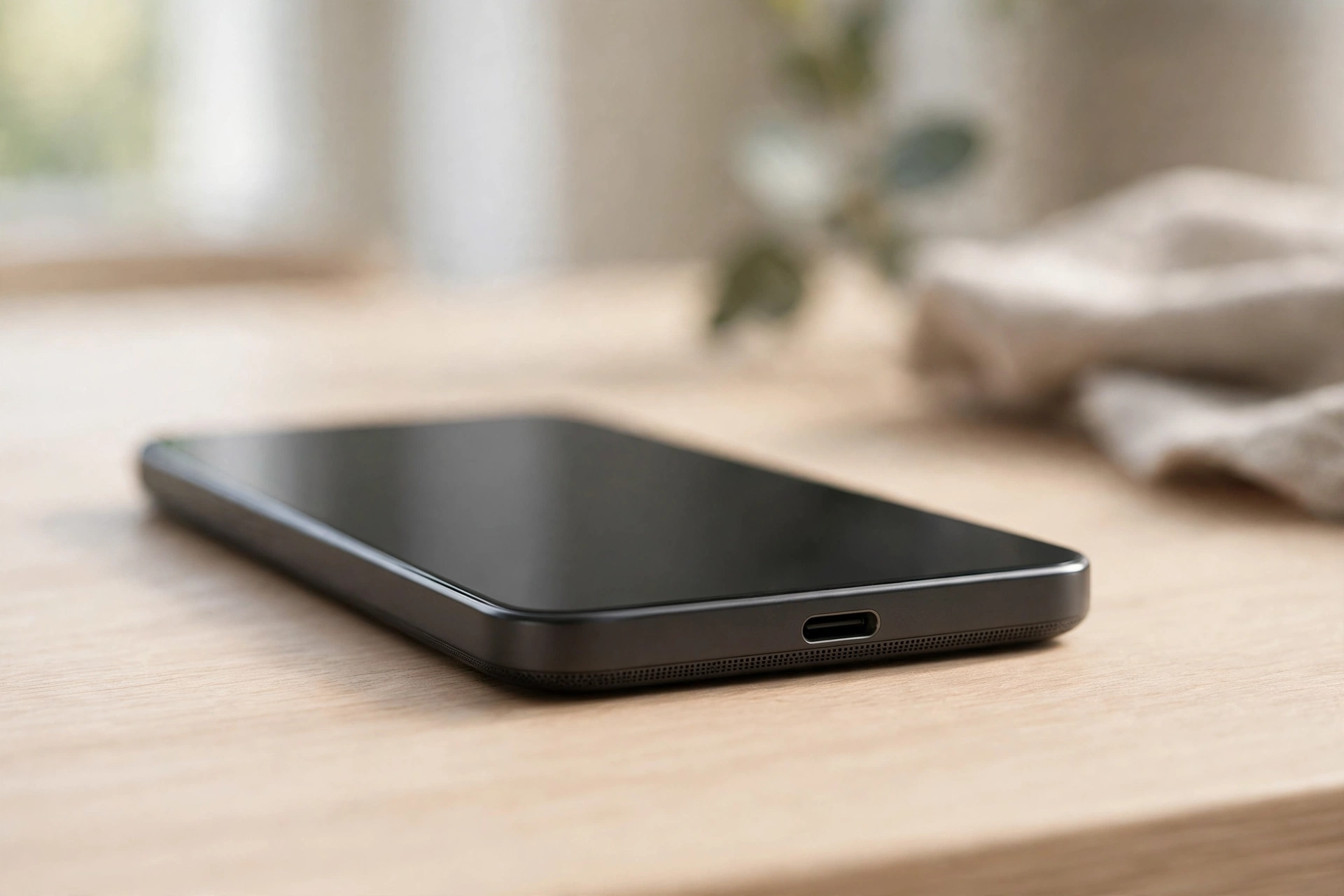
An LG phone speaker that has gone silent usually suffers from a settings fault, a Bluetooth device still holding the audio, a dirty grille, or a misbehaving app — not a dead speaker. LG left the phone business years ago, so the G8, V60, Velvet, and Stylo are ageing now, but most speaker faults on them are still fixable at home.
First, Separate a Settings Problem From a Dead Speaker
Test the speaker in more than one place before changing anything: play a video, try a music app, play a ringtone from Settings, then make a call on speakerphone. If one app is silent while the others work, the problem is in that app — update or reinstall it; if every app is silent, the fault is system-wide or hardware.
You can also run the free speaker test on myspeakerfix.com: a clear tone means the hardware works and the fault is in settings or software.
Volume, Do Not Disturb and the Mute Trap on LG UX
LG’s software keeps media, ringtone, and call volume separate, so the phone can be loud for calls and silent for videos. Press volume up while a video is playing — that bar is the media volume, and it is the one that matters.
Open Settings, then Sound, and check each slider rather than trusting the volume buttons alone. Turn off Silent mode and Do Not Disturb, and look for any scheduled quiet hours or bedtime mode that may have switched the phone to silent. Check the quick settings panel for a mute icon too — one tap there can silence media while the ringtone still works.
Bluetooth is the other classic trap: an LG paired with a car stereo, a Bluetooth speaker, or earbuds left in a bag can send all audio to that device while the phone stays silent. Turn Bluetooth off and test again — if the sound returns, a connected device was taking the audio.
Model Notes: G8, V60, Velvet and Stylo
The G8 ThinQ and V60 ThinQ are the flagships, and both are old enough that a swollen battery is a real possibility — it can press on internal parts and silence the speaker. If the back feels raised or the screen is lifting, stop using it and take it to a repair shop.
The Velvet has a single bottom-firing speaker, so a grille clogged with pocket lint drops the sound sharply. Its USB-C port doubles as the headphone connection, so lint there can make the phone believe headphones are attached.
The Stylo series, including the Stylo 6, is the budget end, with a smaller, quieter speaker by design — a faint Stylo may be at its normal volume under a thick case.
Safe Mode: Finding the App That Hijacked Your Audio
A recently installed app can take over the audio or leave the phone stuck on a headset output. Safe Mode starts Android with only the built-in apps running, so it tells you quickly whether a downloaded app is the cause.
Press and hold the power button until the power menu appears, then press and hold Power off until the Safe Mode prompt shows. Tap OK and wait for the restart — you will see Safe Mode in a corner of the screen. Play a video or a ringtone: if the speaker works normally, a third-party app is almost certainly the problem.
Restart to leave Safe Mode, then uninstall apps added just before the problem started — sound boosters, equalisers, and call recorders first — testing after each removal. Silence in Safe Mode too means the fault is in the system or the hardware.
Cleaning the Bottom Speaker and the Headphone Jack
Dust and pocket fluff build up in the speaker holes at the bottom of the phone and muffle the sound until it seems dead. Hold the phone with the speaker facing down and brush the grille gently with a soft, dry toothbrush, using short, light strokes so dust falls out. Remove the case first, because many cases cover part of the speaker.
Never push a pin, needle, SIM tool, or toothpick into the holes — the mesh behind them is delicate, and a sharp object can tear it or damage the speaker. Do not blow hard into the grille, because moisture from your breath can get inside.
Check the headphone jack or USB-C port too: a phone that thinks headphones are plugged in stays silent through its speaker. Plug a headset in and out a few times, then brush out any fluff. On the Velvet and Stylo, which rely on USB-C audio, a dirty port is a common cause.
Software Updates and Cache on an Older LG
Corrupt temporary files can also silence the speaker; clearing the cache partition removes them without deleting your data, but the key combination varies.
Go to Settings, then System, then Software update, and install the last available update to fix a known audio bug. Make sure the phone is charged and on Wi-Fi first.
Water, Drops and When a Repair Shop Is the Answer
If the speaker stopped working after the phone got wet, was dropped, or was repaired, the cause is probably hardware. The G8 and V60 carry water resistance ratings, but those seals degrade with age. Dry the outside, turn it off if it is still wet, and leave it somewhere dry and ventilated. Do not charge it while wet, and skip the hair dryer.
A factory reset is the last software step, worth trying only if Safe Mode points at software. Back up first.
If the speaker stays silent through every test — no tone, no ringtone, nothing in Safe Mode, and a clean grille — take it to a repair shop and describe your tests. A replacement is usually cheap, but weigh it against the phone’s value if the battery is ageing too.
Frequently Asked Questions
Why is my LG phone speaker suddenly not working?
It is usually a settings or software problem rather than a dead speaker. Check the media volume, turn off Do Not Disturb, disconnect Bluetooth, and restart the phone.
How do I test if my LG phone speaker is broken?
Play sound in several apps, then a ringtone and a call on speakerphone. If you hear nothing anywhere, try Safe Mode: sound there points to an app, silence everywhere points to settings or hardware.
Can dust make my LG phone speaker stop working?
Yes, dust and lint in the grille can muffle the sound so much that it seems dead. Brush the grille gently with a soft, dry toothbrush and remove the case before testing. Never push a pin into the holes.
Will a factory reset fix my LG phone speaker?
A factory reset can fix a deep software fault, but it erases all your data, so treat it as a last resort. Try a restart, Safe Mode, and a software update first, and back everything up before resetting.