
How to Fix iPhone 8 Speaker Not Working
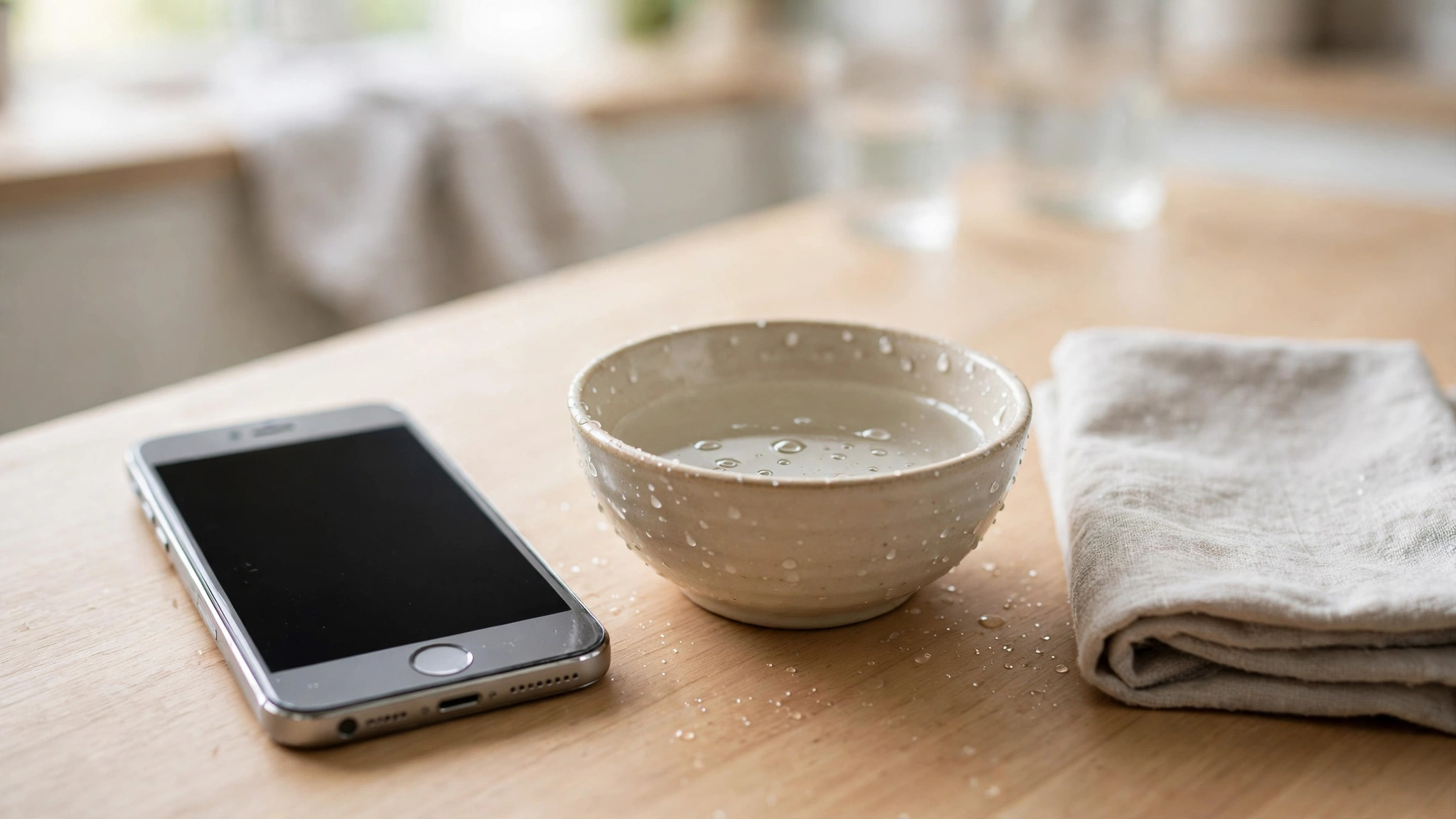
An iPhone 8 speaker that has gone quiet is usually muted by the Ring/Silent switch, a stuck Bluetooth connection, a clogged grille, or a software glitch — not a dead speaker. This guide sorts the fixes by what happened to your phone, so you can jump straight to the cause that matches your situation and get sound back.
If Calls Work but Music and Videos Are Silent
This is the easiest pattern to fix, because it points at volume rather than hardware. On the iPhone 8, ringer volume and media volume are separate, so a phone that rings normally can still play videos silently.
Press the volume-up button on the left edge several times while a video is playing and watch the on-screen volume indicator. Then swipe up from the bottom of the screen to open Control Center — the iPhone 8 still uses the swipe-up gesture, not the swipe-down used on newer models — and check the volume slider there.
If only one app is silent, the fault is in that app, not your speaker — check for a mute icon inside the video player itself.
If the Phone Went Quiet After Water or Rain
Water is the most likely cause when the sound faded right after the phone got wet. The iPhone 8 resists splashes, but water can still sit in the bottom speaker grille and muffle the sound until it is pushed out.
Set the phone with the speaker facing down on a dry cloth and leave it in a room with moving air. Do not charge it while the Lightning port is wet, and do not use a hair dryer on it — heat can damage the seals and the battery.
Once the outside feels dry, run the free speaker-cleaner tool on myspeakerfix.com, which plays a tone made to push water and dust out of the speaker. Run it a few times with the volume turned all the way up, holding the phone speaker-down, and listen for the sound clearing between runs.
If the Sound Is Muffled, Faint, or Crackly
A muffled or crackly speaker usually means the grille is blocked, not that the speaker has failed. The iPhone 8 speaker sits behind the grille on the bottom edge, beside the Lightning port, and years of pockets, dust, and lint collect there.
Hold the phone speaker-down and brush the grille lightly with a soft, dry toothbrush, using short strokes across the holes. Never push a pin, a needle, or a SIM ejector tool into the holes, and never blast the grille with compressed air at close range — both can force debris deeper or tear the fine mesh that protects the speaker.
After cleaning, play a song. If the volume is clearly louder or clearer, the grille was the problem. If the crackling only appears at full volume, turn the volume down a notch and test again.
If It Stopped Right After an Update
A software update can leave the audio system in a confused state, and the fix is usually a restart rather than a repair. Press and hold the side button until the power-off slider appears, drag the slider, wait for the phone to switch off completely, then press and hold the side button again until the Apple logo appears.
If the restart does not help, check for a newer update in Settings, then General, then Software Update, and install anything waiting. Apple ships audio fixes in updates, and an iPhone 8 that missed an update can carry a sound bug that is already fixed. Connect to Wi-Fi and plug the phone in while the update installs.
Also check the Ring/Silent switch above the volume buttons. If you can see orange, the phone is silenced — flip it toward the screen until the orange disappears.
If Nothing Plays at All
When no sound comes out anywhere — no ringtone, no video, no alarm, no speakerphone — the audio is probably routed elsewhere or blocked by a setting. Open Settings, then Bluetooth, and switch Bluetooth off completely, then play a video. If the sound returns, a paired device such as AirPods or a car stereo was holding the audio.
Swipe up from the bottom of the screen for Control Center and tap the AirPlay icon in the music panel. If the output shows a television or another speaker instead of iPhone, tap iPhone to bring the sound back. Unplug any Lightning headphone adapter as well, and check the Lightning port for lint. A loose adapter can leave the phone thinking headphones are still connected, which mutes the built-in speaker.
Then check Do Not Disturb. Look for the crescent moon icon in Control Center and tap it off if it is lit. Open Settings, then Focus, and turn off any Focus mode that could be silencing alerts and calls.
Reset the Settings as a Last Software Step
If the speaker is still silent, reset the settings. Go to Settings, then General, then Reset, then Reset All Settings. On the iPhone 8 the reset menu sits directly under General, without the extra Transfer step found on newer models. This returns settings to defaults but does not delete your photos, apps, or messages.
After the reset, test the speaker by playing a ringtone preview in Settings, under Sounds and Haptics, with Bluetooth off and the volume up. If it stays silent, you have ruled out software almost entirely.
When to Take the iPhone 8 for Repair
Take the phone to Apple or a trusted repair shop if the speaker stays silent in every test after a restart and a settings reset, or if the sound died right after a hard drop or after the phone was submerged. A drop can loosen the speaker connector, and water can corrode the contacts, and both faults need the phone opened up to fix properly.
Before you hand the phone over, back it up, because a hardware repair can end with the phone being erased.
Frequently Asked Questions
Why is my iPhone 8 speaker not working after an update?
An update can leave the audio system in a confused state. Restart the phone, check the Ring/Silent switch, and install any newer update — most update-related sound faults clear with those steps.
How do I fix a muffled iPhone 8 speaker?
Brush the bottom grille gently with a soft, dry toothbrush while holding the phone speaker-down. Never poke anything sharp into the holes. If the phone got wet, run a speaker-cleaner tone a few times to push the water out.
Why does my iPhone 8 ring but play no video sound?
Ringer volume and media volume are separate. Press volume up while a video is playing, check the volume slider in Control Center, and look for a mute icon inside the video app itself.
How do I know if my iPhone 8 speaker needs replacing?
If the ringtone preview stays silent after a restart and Reset All Settings, with Bluetooth off and the volume up, the speaker hardware is likely at fault and a repair shop should check it.