
Your Infinix Speaker Went Quiet? Here’s What Actually Works
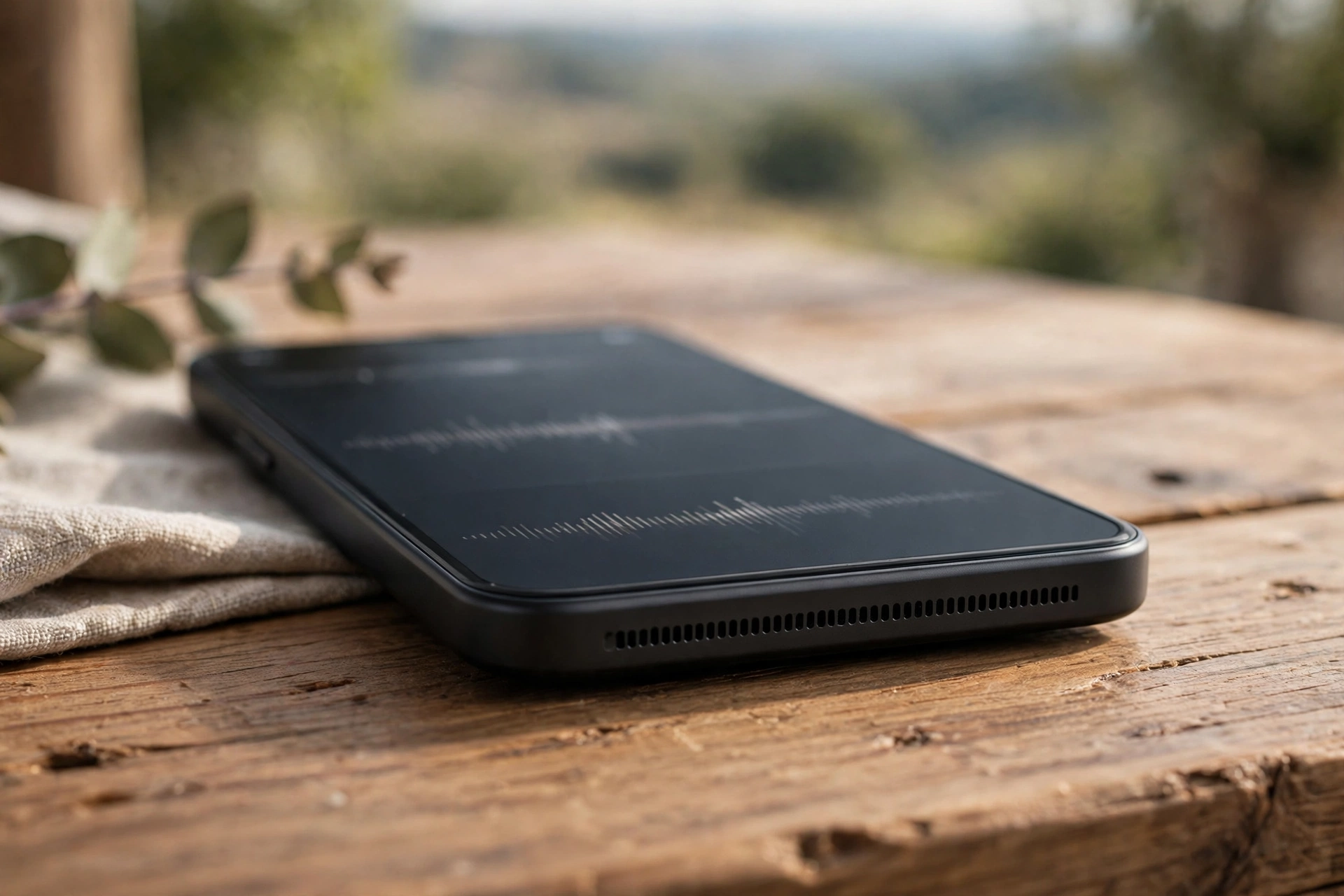
Your Infinix speaker was fine yesterday and now it’s dead silent — no ringtones, no videos, nothing. Don’t panic, and don’t book a repair yet. Nine times out of ten it’s a setting, a Bluetooth connection stealing the audio, or dust in the grille. Run through the checks below and you’ll probably have sound back in five minutes.
Is It Actually the Speaker, or Just a Setting?
Before you assume the speaker died, rule out the settings that fake one every day. Open a video, then press the volume-up button and look at the slider that pops up. Infinix phones running XOS split volume into media, ringtone, and alarm, and the media slider is the one that matters here — the ringtone can be blasting while your videos stay silent. Swipe down twice and check Quick Settings: silent mode and Do Not Disturb both kill sound without any warning on the screen. If either one is on, switch it off and test again.
The Bluetooth Thief: Where Your Sound Really Went
Here’s the one that catches almost everyone. Your Infinix might still be connected to earbuds in your bag, a car stereo from this morning, or a speaker in another room — and while it’s connected, every sound goes there instead of to its own speaker. Open Settings > Connected devices and look at what’s paired. If anything shows as connected, disconnect it, or just switch Bluetooth off entirely. Play a video right after. If the sound suddenly comes back, that was your whole problem, and your speaker was never broken at all.
Restart, Then Test Like You Mean It
Hold the power button, tap Restart, and wait for the full boot before testing anything. A restart clears the temporary glitches that build up after days without a reboot, especially right after an update. Once it’s back, test more than one app: a video, a song, then your default ringtone. Sound in some apps but not others means the fault lives in one app — open Settings > Apps, clear its cache, and check it has permission to play media. Silence everywhere means the problem is system-wide, so keep going.
What to Do When the Grille Is Full of Pocket Lint
Infinix phones live in pockets and bags, so the grille along the bottom edge collects dust and lint fast. Hold the phone under a bright light — if the little holes look grey or clogged, that’s your muffled sound right there. Brush them gently with a soft, dry toothbrush, stroking outward, then tap the phone lightly with the speaker facing down. Never poke the holes with a pin, a needle, or a SIM ejector — you’ll tear the thin membrane inside. Skip compressed air at close range too; it can do the same damage. If the phone got wet recently, let it dry in open air first. You can also run the free speaker cleaning tool on myspeakerfix.com — it plays a tone that vibrates the speaker and helps push trapped water out of the grille.
Stuck in Headphone Mode?
Sometimes an Infinix keeps acting like earphones are plugged in after you’ve pulled them out. You’ll know because the volume panel still shows a headphone icon when nothing is connected. Plug a wired headset in and out a few times, slowly — this often snaps the audio route back to the speaker. If your model still has a headphone jack, shine a light inside and fish out any lint with a dry wooden toothpick, never anything metal. Then check Settings > Sound and vibration and confirm the output is the phone speaker. Restart after this step; a stuck route often only clears on a fresh boot.
XOS Quirks Worth Knowing on Note, Hot, and Smart Models
Infinix’s XOS skin adds a few things stock Android doesn’t have, and one of them can mute your speaker. Open Settings and search for “DTS” or “Sound enhancement” — on some Note and Hot models an equalizer profile can go wrong after an update and leave audio thin or silent. Turn any enhancement off and test again. Also check Settings > System > System update: Infinix ships audio fixes in these updates more often than people expect, and a pending one has fixed plenty of “dead” speakers. Think about when the problem started. If it began the same day you installed a new app, uninstall it and test — call recorders, equalizers, and volume booster apps are the usual suspects.
The Settings Reset That Keeps Your Photos
If nothing has worked yet, reset the system settings, not the whole phone. Go to Settings > System > Reset options and pick the option that resets settings only. Your photos, files, and apps stay put; only Wi-Fi passwords, Bluetooth pairings, and sound settings go back to defaults. Read the confirmation screen slowly, because the factory reset option sits right next to it and that one wipes everything. A settings reset clears out whatever bad sound configuration was hiding in the system — the last safe step before you start thinking about hardware.
How to Tell If It’s Really Broken
Play your ringtone at full volume and listen closely. Total silence in every app usually means software or routing — and you’ve probably fixed it by now. Crackling, buzzing, or rattling at low volume is different — that usually means the speaker unit itself is damaged. Try a call on loudspeaker, then switch to the earpiece: if the earpiece works but the loudspeaker doesn’t, the loudspeaker path is the faulty one. A phone that was dropped, soaked, or recently opened for repair can have a loose connection inside. Don’t open it yourself, especially while it’s under warranty. Back up your data, write down everything you’ve tried, and take it to an authorised service centre — that list saves the technician time and saves you from paying for a part you didn’t need.
Frequently Asked Questions
Why did my Infinix speaker stop working all of a sudden?
Usually it’s a setting, not a fault — muted media volume, Do Not Disturb, a connected Bluetooth device, or dust in the grille. Check those four first; they cover most sudden failures.
How can I tell if my Infinix speaker is damaged or just blocked?
Muffled or quiet sound usually means dust or water in the grille. Crackling at low volume points to damage. Complete silence in every app usually means a setting or software fault.
Does a factory reset fix Infinix speaker problems?
It can fix deep software faults, but try a settings-only reset first — it keeps your data. Only use a full factory reset as a last resort, and back up your photos and files first.
Can I get water out of my Infinix speaker with sound?
Yes — a tone played through the speaker vibrates the grille and pushes water out. Let the phone air-dry first, don’t charge it while wet, and get it checked if sound stays muffled.