
Silence on a Huawei Phone: Where the Sound Usually Hides
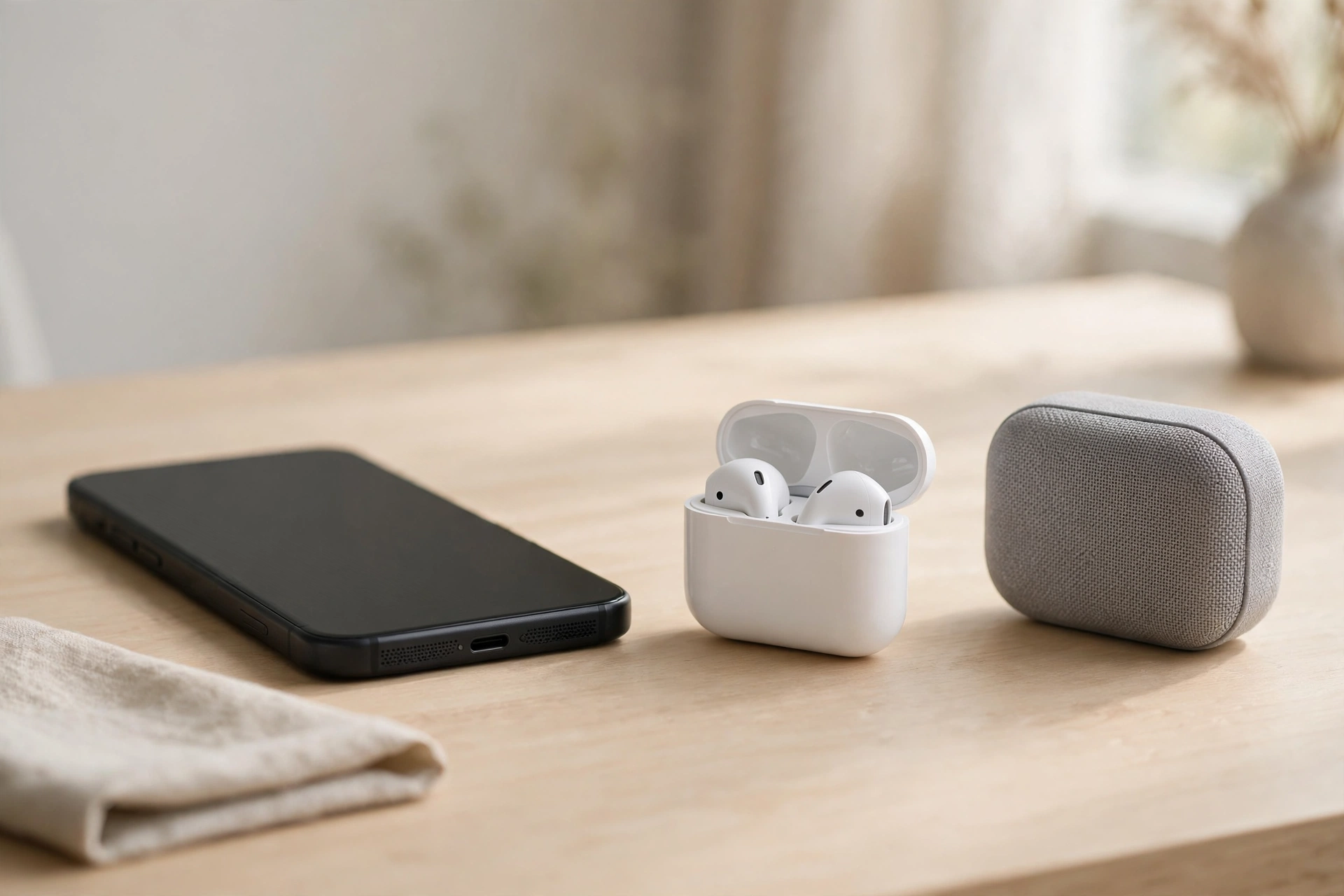
The phone rings, the screen lights up, the vibration buzzes — but no sound comes out of the speaker. That mismatch is actually useful: it tells you the phone is alive and the fault is probably a setting, a stuck mode, or a blocked grille. Here’s a walk through the likely hiding places, quickest checks first.
First, work out what kind of silence you’ve got
Not all silence is the same, and the pattern points straight at the cause. Play a ringtone, a video, and a call on speakerphone, and note which ones you can hear. If the ringtone is silent but the video plays, the ringtone slider or a silent profile is the problem. If the video is silent but the ringtone plays, media volume is down or the app is muted. If nothing makes a sound, the fault is system-wide.
A handy test lives in the settings: open Settings, then Sounds and vibration, then Phone ringtones, and tap any preset ringtone. If it plays, your speaker works.
EMUI’s sound settings, and the ones that hide
Huawei’s EMUI keeps its sound controls in Settings, then Sounds and vibration, where media, ringtone, notification, and alarm each get their own slider. Check them one by one, because a loud ringtone says nothing about media volume. At the top of the same screen, the Sound, Silent, and Vibration shortcut lets you flip modes — swipe down twice and tap the sound icon to switch.
Two quieter settings cause more trouble than people expect. Open Settings and search for “balance” — if the audio balance slider has drifted to one side, sound can seem to vanish. Slide it back to the middle. Then scroll to the bottom of the Sounds and vibration screen and look at the extra options: Stereo+ and Dolby Atmos on models that have them, plus Histen, Huawei’s headphone sound tool. Turn off anything you don’t recognise and test again. Finally, check Do Not Disturb in the same menu — it may be on, or scheduled to switch on at certain hours.
The case, the grille, and the stuck headphone icon
Before you blame the software, look at the phone itself — a case that doesn’t quite fit can cover the speaker holes, and so can a screen protector that wraps around the bottom edge. Take the case off and test.
Pocket lint and dust pack into the grille over time, muffling the sound until it seems gone. Hold the phone speaker-side down and brush the grille lightly with a clean, dry, soft-bristled brush — never push a pin or needle into the holes, or you’ll puncture the mesh. If the phone got wet, let it dry in open air and don’t charge it until the port is completely dry. Once the outside is dry, a speaker-cleaning tone can help shake the water loose; the free sound tool on myspeakerfix.com plays that kind of tone.
Then check the status bar for a headphone icon when nothing is plugged in. Lint or moisture in the USB-C port can trick the phone into headphone mode, and the speaker stays off. Clean the port gently with a dry brush and restart, and unplug any USB-C adapter fully — a worn one can hold the audio hostage even after it looks disconnected.
Bluetooth is still holding your audio
A Huawei will keep sending sound to a Bluetooth speaker, earbuds, or car stereo long after you’ve stopped listening to them. Open Settings, then Bluetooth, and disconnect any audio device that’s listed — or switch Bluetooth off for a minute and play a video. If the sound comes back, the phone was just talking to the wrong device. Check this even if you don’t remember connecting anything — a car system can grab the connection when you start the engine. If the fault keeps coming back, forget the device entirely so it can’t reconnect by itself.
Safe Mode, Huawei-style
If the settings all look right, a downloaded app may be interfering. Safe Mode boots the phone with only its built-in apps: hold the power button, then press and hold Power off until the Safe Mode prompt appears, and tap OK.
Play a ringtone or a video in Safe Mode. If the sound comes back, an app you installed is the culprit — restart normally, then remove recently added or updated apps one at a time, starting with volume boosters and cleaners. If the speaker stays silent in Safe Mode too, the fault is in the system or the hardware.
Let the phone test itself
Huawei ships a diagnostic tool that most owners never open. Open the My HUAWEI app, sign in with your Huawei ID if asked, then go to Support, then Smart Diagnosis, then Microphone, and follow the prompts to test the receiver and speaker.
If the test finds an error, back up your data and take the phone with its proof of purchase to an authorised Huawei customer service centre. If the test passes but the speaker stays silent in normal use, the fault is a setting or an app, because the hardware itself is fine.
Updates and the reset that keeps your files
A software bug can mute a speaker, especially after a major EMUI update. Open Settings, then System and updates, then Software update, and install anything available over stable Wi-Fi, then restart and test again. Update the apps that play sound too — an outdated media app can go quiet on newer software. For a single silent app, try clearing its cache from Settings, then Apps.
If the fault still won’t move, reset the settings without touching your files. In Settings, then System and updates, then Reset, choose the option that resets network and system settings. It restores sound, Wi-Fi, and Bluetooth settings to their defaults while keeping your photos, messages, and apps — though you’ll need to re-enter Wi-Fi passwords and re-pair Bluetooth devices. A full factory reset is the very last step, and only after a complete backup.
Frequently Asked Questions
Why is my Huawei speaker suddenly not working?
Most often it’s a muted media slider, a Bluetooth device still connected, Do Not Disturb, or a problem app. Check volume and Bluetooth first, then restart and test in Safe Mode.
How do I fix a muffled Huawei speaker after water exposure?
Let the phone dry naturally and don’t charge it until the port is dry. Brush the grille gently with a dry soft brush and retest at moderate volume.
Will a settings reset delete my photos on Huawei?
No. A settings-only reset keeps your photos, messages, and files. It restores system settings such as sound and network options to their defaults.
Can an app really silence my Huawei speaker?
Yes. Volume tools, cleaners, and some media apps can change audio routing or permissions. If sound works in Safe Mode, uninstall recent apps one at a time until it works normally.