
Why Has My HTC Phone Gone Silent? A Speaker Troubleshooting Guide
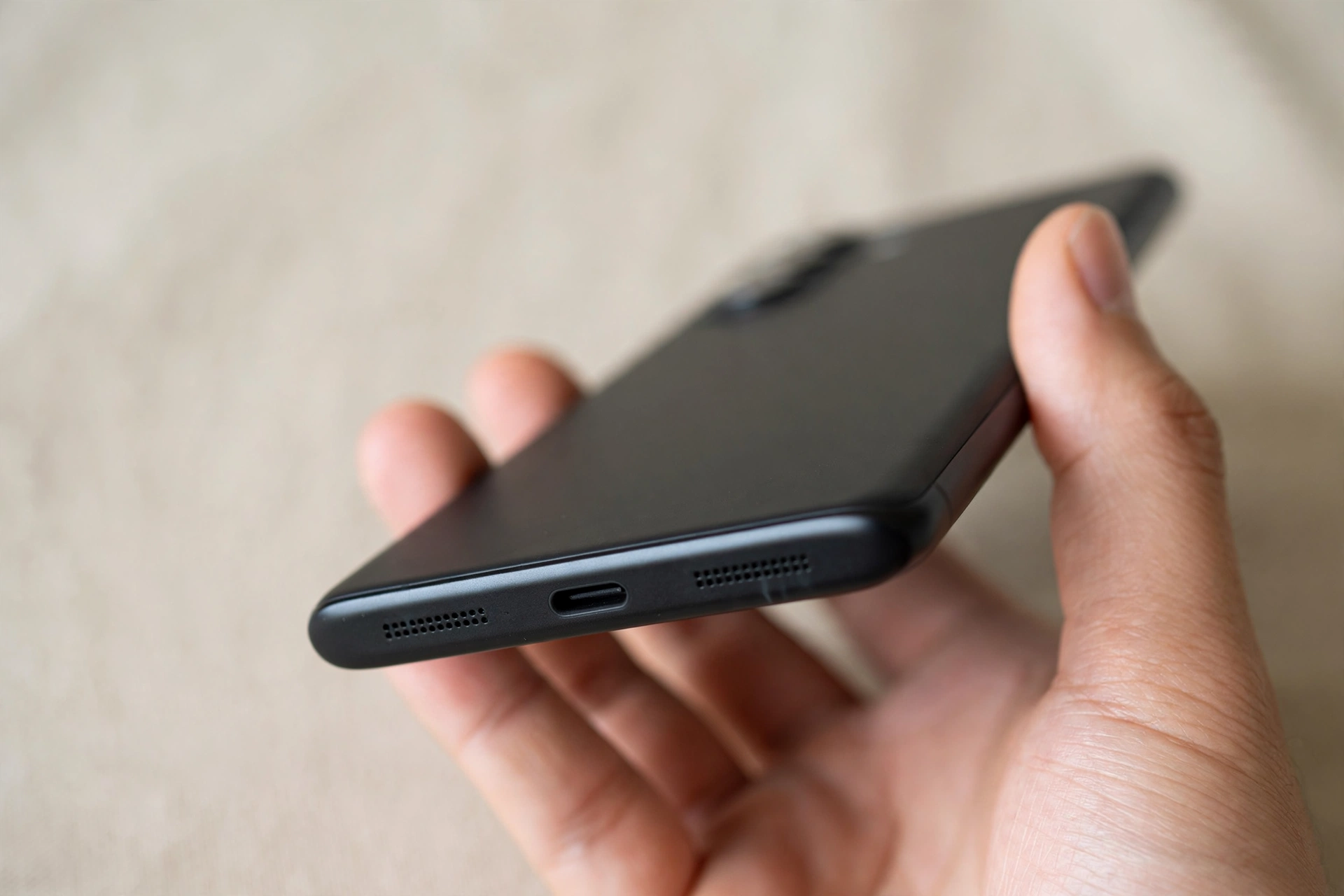
An HTC that suddenly goes quiet usually has a small, fixable fault — not a dead speaker. Muted media volume, a forgotten Bluetooth connection, dust in the grille, or an app that’s grabbed the audio are the usual suspects. Work through the checks below, testing after each one — most phones are talking again within minutes.
Start With the Three Settings That Silence HTC Phones Most
Press volume-up while a video’s playing and watch the slider. Android keeps media, ringtone, notification and alarm volumes apart, so a loud ringtone tells you nothing about video sound. Drag the media slider all the way up.
Next, open Settings, then Sound. Make sure Silent or Vibrate is off, and switch off Do Not Disturb — including any schedule that mutes the phone at night or during work hours. Check the quick settings panel too, where one accidental tap can silence everything.
Finally, Bluetooth. Open Settings, then Connected devices, then Bluetooth. Paired with earbuds, a car stereo or a wireless speaker? Audio may be going there instead of the phone speaker, even if that device is in another room. Turn Bluetooth off and play a video — if the sound returns, forget the devices you no longer use.
HTC Front Speakers and BoomSound: What to Check
Many HTC models, including the U series and several Desire handsets, put their speakers on the front of the phone, with the earpiece doubling as a second speaker. A screen protector creeping over the earpiece, or a case with a raised lip, can muffle it badly. Take the case off and test again before changing anything else.
Check BoomSound too. In Settings, then Sound, switch the BoomSound or audio enhancement off and play something — a profile that clashes with an app can make audio vanish or distort. If the sound returns, leave it off.
Try a speakerphone call too — if calls work but media stays silent, the speaker is fine and the fault sits in an app or a media setting.
A Proper Speaker Test Tells You Where the Fault Lives
Pin the fault down before changing settings at random. Play a ringtone from Settings, then Sound, then Phone ringtone. Then play a video and set an alarm. Ringtone plays but videos stay quiet? The fault is in media routing or one app. Nothing makes a sound anywhere? It’s deeper — a system setting, the grille, or the hardware.
The free speaker test at myspeakerfix.com plays a tone through the phone speaker. A clear tone points to a software or settings fault; a faint, buzzing or crackling one points to a blocked grille or a damaged speaker — the cleaning and hardware sections below are your next stop.
Safe Mode: The Fastest Way to Catch a Bad App
Safe Mode runs only the built-in apps, so it’s the quickest way to find out whether something you installed is silencing the speaker. Press and hold the power button, then press and hold the Power off option until a Safe Mode prompt appears. Tap OK and wait for the restart — Safe Mode will be written at the bottom of the screen.
Play a video or a ringtone. If the speaker works normally, a downloaded app is almost certainly behind the silence. Restart to leave Safe Mode, then think about what you installed or updated just before the sound stopped.
Usual suspects: sound boosters, equaliser apps, VPNs, call recorders, battery savers and cleaner apps — all of them can reroute audio or mess with the sound service. Remove them one at a time, testing after each removal, until the sound returns.
Cleaning the Grille on an Older HTC
HTC phones that have lived in a pocket or a bag for a year or more often have speaker openings packed with lint, which can make it sound quiet or muffled even when the speaker’s healthy. Hold the phone speaker-down and brush the openings gently with a soft, dry toothbrush, using short strokes so the dust falls out.
Never push a pin, needle or SIM ejector tool into the speaker holes: the mesh behind them tears easily and a sharp object can puncture the speaker. Don’t spray cleaner or water onto the speaker either — wipe the outside with a dry, lint-free cloth, then test the sound again.
Software Fixes: Updates, Cache and the Final Reset
A software bug can silence the speaker after an update — and the next update is often the fix. Open Settings, then System or About phone, and check for a software update. Install anything available over Wi-Fi with the battery charged, then restart and test again. If none is offered, move on rather than waiting.
If only one app is silent, clear its cache — Settings, then Apps, then the app, then Storage, then Clear cache. That wipes temporary files without touching your account. Still silent? Uninstall and reinstall it.
A factory reset is the last software step. It wipes everything, so back up photos, contacts and messages first and make sure you know your Google account password for signing back in. Test the speaker before reinstalling apps, one by one.
Signs the Speaker Itself Has Failed
If there’s still no sound after a reset, or the speaker crackles at every volume, the fault is most likely hardware — same if sound never returned after a hard drop or after the phone got wet. Take it to a repair shop and ask them to test the speaker module and its connection before agreeing to a replacement — a loose connector is far cheaper to fix than a new speaker. Tell them what you’ve tried, so they start with the hardware.
Frequently Asked Questions
Why did my HTC phone speaker stop working all of a sudden?
Usually a Bluetooth device has taken over the audio, a Do Not Disturb schedule has switched on, or an app update is conflicting with the sound service. Restart, turn Bluetooth off, and test in Safe Mode — sound there means a downloaded app is the cause.
How can I tell if my HTC speaker is broken or just muted?
Test sound in several apps, play a ringtone, and try a speakerphone call. Sound in Safe Mode or in some apps means the hardware’s probably fine; silence everywhere after a restart and an update points to the speaker or its connection.
Can cleaning fix an HTC phone speaker?
Yes, when dust and lint are blocking the grille and making the speaker sound muffled or quiet — brush the openings gently with a soft, dry toothbrush, case off first. It won’t fix silence caused by a software fault or internal damage.
Should I factory reset my HTC phone for a speaker problem?
Only as a last resort, after a restart, Safe Mode, cleaning, cache clears and an update have all failed. It erases everything, so back up first — and if the speaker still fails, it’s hardware.