
Sand in Your Phone Speaker? Get Every Grain Out Without Scratching It
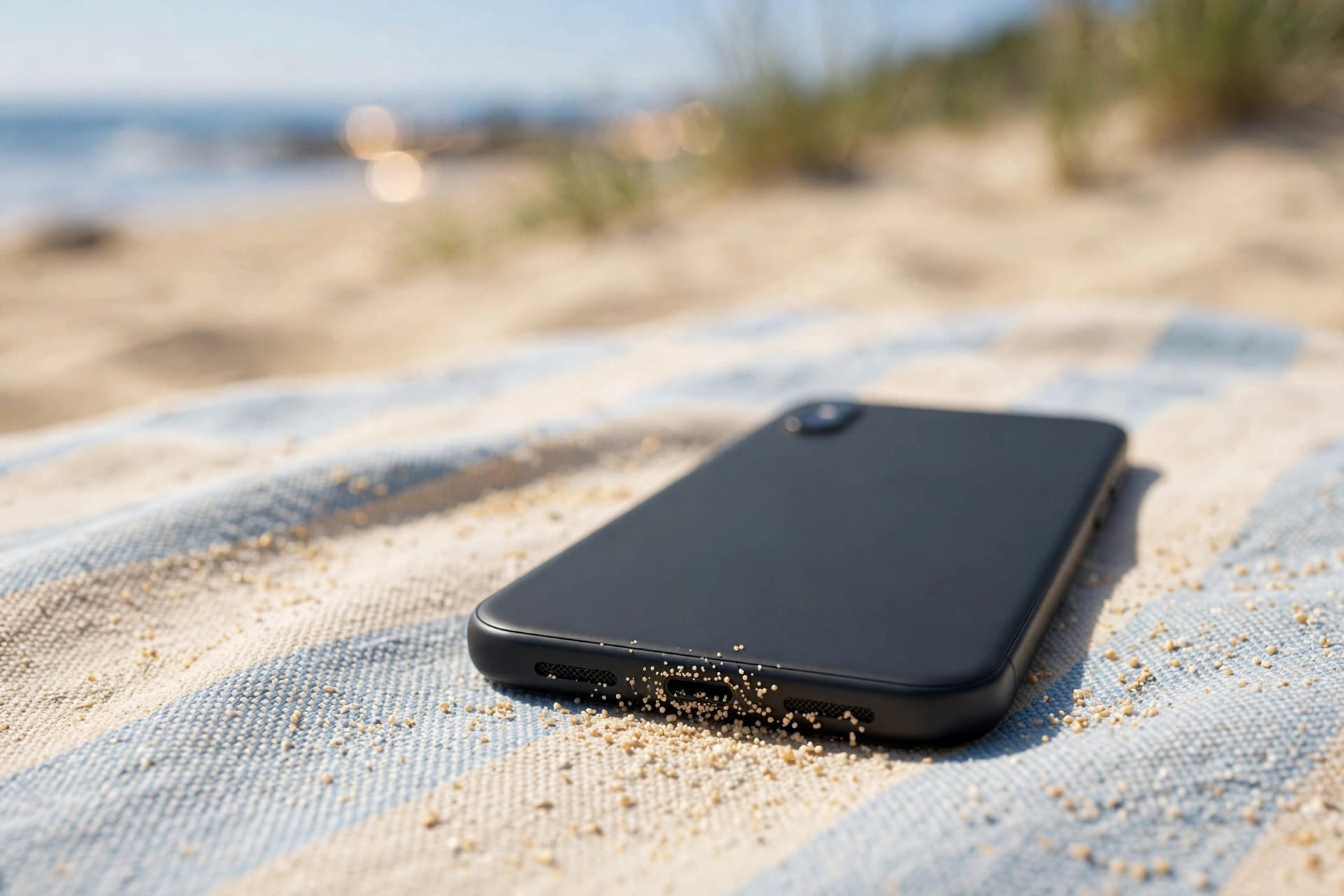
Sand in your phone speaker sounds muffled and scratchy, and the fix is simpler than you’d think. Power the phone off, hold it speaker-down, and tap the back so gravity drops the loose grains out. Then brush gently across the grille, lift what’s left with tape, and finish with a low cleaning tone. Don’t poke anything into the holes.
Sand Isn’t Dust — and That’s the Whole Problem
Dust is soft. Pocket lint is soft. Sand is basically tiny broken glass, and every grain has sharp little edges. Your speaker’s membrane — the thin film that actually makes the sound — is delicate enough that one dragged grain can scratch it for good. So the whole job comes down to one rule: always pull sand out and away, never push it in. If seawater or wet sand was involved, there’s a second enemy too — salt — and you’ll want to move faster.
Grab These Before You Start
You don’t need special tools:
- A clean, dry soft-bristled brush — a soft toothbrush, a clean makeup brush, or a small paintbrush
- Masking tape or packing tape
- A blob of poster putty, the kind you stick posters up with
- A white sheet of paper or a clean light-coloured table
- A microfiber cloth
Power the phone off completely before you touch anything, and take the case off too. Sand hides in the gap between the case and the phone, right over the grille.
Let Gravity Do the First Pass
This is the step people skip, and it’s the one that does the most work. Hold the phone speaker-down over the white paper and tap the back — not the grille side — with your knuckles, five or six times. Gentle, steady taps. You’re not trying to shake the phone apart, you’re letting gravity pull loose grains out through the grille holes.
You’ll probably be surprised how much comes out — a few taps can clear half the sand on their own. Don’t shake the phone violently, though: hard shaking wedges grains deeper into the holes instead of letting them drop.
Brush Across the Grille, Never Into It
Once the loose stuff is out, take your dry brush and sweep gently across the grille at a shallow angle. Light, one-direction strokes, like sweeping crumbs off a table. Never scrub back and forth, and never push the bristles straight down into the holes — that’s how grains get driven onto the membrane.
Rotate the phone as you go and brush from a couple of different angles so you catch the grains sitting at the edges of the holes. Keep the phone speaker-down so anything you dislodge falls out. Two or three slow passes is usually enough.
Tape and Putty Handle the Stubborn Grains
Some grains wedge themselves into the grille holes and won’t budge for a brush. For those, you want adhesion instead of force — something that pulls them straight out.
Wrap masking or packing tape around your finger, sticky side out, press it lightly over the grille, and peel it away slowly. Use a fresh section and repeat two or three times. Poster putty works the same way and reaches a little deeper. Warm a small piece until soft, press it gently onto the grille for two or three seconds — don’t push it into the holes — then peel it away. Knead to a clean section and repeat. Both methods lift grains out without scraping anything, which is the whole point.
What you must never do is reach for anything sharp. No pins, no needles, no toothpicks, no SIM ejector tool. One poke can puncture the membrane, and that turns a ten-minute cleaning job into a repair bill.
The Sound Trick for the Grit You Can’t See
After the visible sand is gone, ultra-fine grit often still clings inside the grille where you can’t see it. A low-frequency tone makes the membrane vibrate fast, and those vibrations shake fine particles loose so they fall out. There’s a free speaker-cleaner tool on this site that plays exactly that kind of tone: open it in your browser, turn the volume up, hold the phone speaker-down, and run it for 30 to 60 seconds.
Things That Make a Sandy Speaker Worse
A few common instincts backfire badly with sand:
- Don’t blast compressed air straight into the grille. It drives sand deeper and can damage the membrane. Apple and Samsung both warn against it.
- Don’t press a vacuum nozzle against the grille. Strong suction can distort the delicate membrane.
- Don’t blow into it with your mouth. Your breath carries moisture and just moves the sand around.
- Don’t use water or any liquid to “wash” it out. Water plus sand plus electronics is far worse than sand alone.
- Don’t use rice. It does nothing for trapped particles and adds starch dust to the mess.
If Seawater Was Involved, Hurry
Dry sand is annoying. Wet beach sand is a deadline. Salt water corrodes the metal contacts inside the speaker, sometimes within hours, and leaves a crusty mineral residue on the membrane even after everything dries. So if your phone was splashed by seawater or sat in wet sand, don’t leave this job until tomorrow.
Wipe the phone with a barely damp fresh-water microfiber cloth to get the surface salt off, then work through the steps above right away. If the speaker still sounds distorted after a full day of drying, salt corrosion may have started, and that’s a repair-shop job rather than a cleaning job. There’s more detail in our salt water speaker guide.
When to Hand It to a Repair Shop
Most beach-sand cases clear up with the steps above. Get professional help if the speaker still crackles after a thorough cleaning, if sound cuts in and out when you tilt the phone, or if there’s no sound at all. Internal corrosion needs proper cleaning that no home method can do.
Frequently Asked Questions
Can sand permanently damage my phone speaker?
Yes — hard grains dragged across the membrane can scratch the thin diaphragm and cause lasting distortion. Brush across the grille and lift grains out with tape instead of poking at them.
Will a cleaning tone remove sand on its own?
It helps with fine particles clinging inside the grille, but not larger wedged grains. Remove those first with tapping, brushing, and tape, then use the tone as the finishing step.
Is a vacuum cleaner safe for sand in the speaker?
Not pressed against the grille — strong suction can damage the membrane. Tapping, brushing, and tape are safer and usually enough.
How do I keep sand out at the beach next time?
Keep the phone in a sealed zip-lock bag or waterproof pouch when you’re not using it, and never set it directly on the sand. Check the grille when you get home.