
Why Is My Pixel 7 Speaker Not Working?
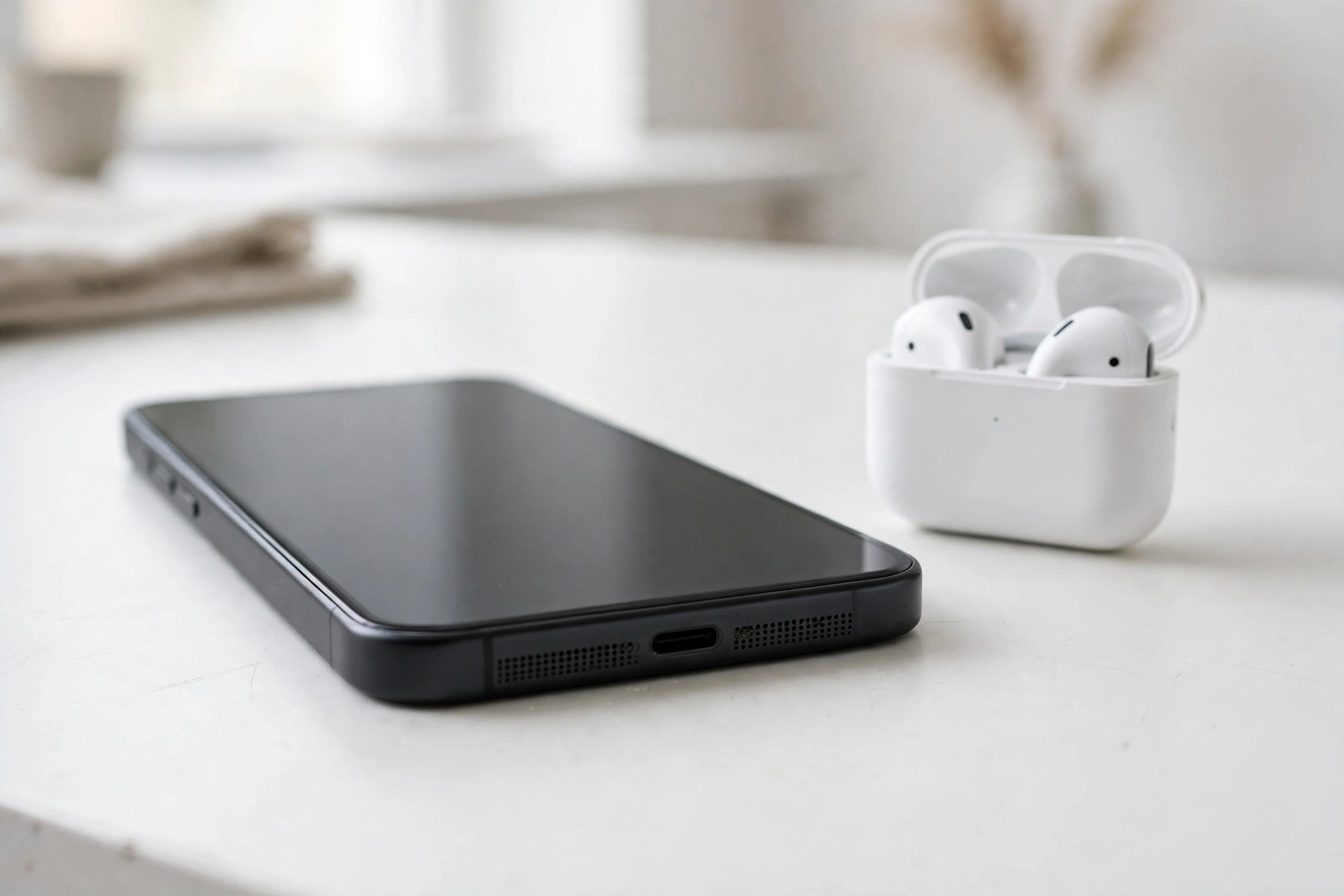
Your Pixel 7 speaker has most likely stopped working because of a software glitch, a muted or misrouted audio setting, or debris and water blocking the speaker grille. Work through the checks below in order — most Pixel 7 speaker problems are fixed in a few minutes without a repair shop.
First, Rule Out the Simple Causes
Before assuming the speaker is broken, check the things that catch people out most often.
- Press the volume-up button while media is playing and confirm the media volume slider — not just the ringtone slider — is turned up. On the Pixel 7, tap the three dots under the volume slider to see all four volume types separately.
- Turn off Bluetooth. Go to Settings > Connected devices and disconnect any paired headphones, earbuds, or speakers. Sound may be routing to a device in another room.
- Check Do Not Disturb and Bedtime mode. Swipe down twice from the top of the screen and make sure Do Not Disturb is off, since it can silence media alerts on some setups.
- Try more than one app. Play a YouTube video, then a voice recording, then a phone call on speakerphone. If sound works in one place and not another, the speaker itself is fine and the problem is app-specific.
If every app is silent, the problem is with the speaker or the phone’s audio system, and the next sections will help you narrow it down.
Is It the Speaker or the Software?
A quick diagnostic saves you from cleaning or resetting things that do not need it.
Open the Phone app, call someone, and tap the speakerphone icon. If you can hear the caller through the loudspeaker, the bottom speaker hardware works, and the issue is probably a setting or an app. If speakerphone is also silent, the loudspeaker itself may be blocked or faulty.
Next, play a test tone. The free speaker-cleaner tool on myspeakerfix.com plays a sound designed to push water and dust out of the speaker grille — if you hear it clearly, the speaker is working and the fault lies elsewhere. If the tone is faint, crackly, or absent, the grille may be blocked or the speaker may be damaged.
Also try a wired or Bluetooth headset. If audio works through headphones but not the speaker, the phone is choosing the wrong output, which points to a software or routing problem rather than dead hardware.
Clean the Speaker Grille
The Pixel 7’s bottom speaker grille is a narrow slot that collects pocket lint, dust, and moisture easily. Even a thin layer of debris can muffle sound badly or silence it altogether.
Hold the phone with the speaker facing down and gently brush the grille with a soft, dry toothbrush. Do not push anything sharp, such as a pin or SIM ejector tool, into the holes — the speaker membrane sits just behind the grille and is easy to puncture.
If the phone recently got wet, do not use a hair dryer or compressed air, and do not charge it until the port is dry. Let it air-dry with the speaker facing down. Once dry, play a water-ejection tone a few times: the vibration helps push trapped droplets out of the grille. If the sound improves slightly after each round, water was the culprit and a few more rounds should finish the job.
Check the case, too: some third-party cases cover part of the speaker slot. Remove it and test again — a surprising number of “dead speaker” reports end here.
Restart and Update Your Pixel 7
A restart clears temporary audio glitches that can leave the speaker silent after an update or a long stretch without rebooting. Press and hold the power button, tap Restart, and test the sound once the phone is back on.
If a restart does not help, check for updates. Go to Settings > System > System update and install anything waiting. Google has shipped audio fixes for the Pixel 7 in past updates, and a pending update can be the difference between a silent speaker and a working one. After updating, restart once more and test again.
Check App Permissions and Bluetooth Routing
Some apps lose audio after a permission change, and Android sometimes keeps routing sound to a device you disconnected hours ago.
Open Settings > Apps, tap the app that has no sound, then Permissions, and make sure it has the permissions it needs. Then tap Storage & cache and choose Clear cache — this removes corrupted temporary files without deleting your data or login.
For system-wide routing problems, go to Settings > Connected devices > Connection preferences > Bluetooth, forget devices you no longer use, and turn Bluetooth off for the test. If sound returns, a paired device was grabbing the audio.
Also check Settings > Sound & vibration > Media output if your Pixel shows it, and confirm the phone itself is selected as the output device.
Test in Safe Mode
Safe mode starts the Pixel 7 with only the system apps running, which tells you whether a third-party app is interfering with audio.
Press and hold the power button, then long-press the Restart option until “Reboot to safe mode” appears, and tap OK. Once the phone restarts, play a video or ringtone. If the speaker works in safe mode, a recently installed or updated app is the cause — uninstall apps one at a time, starting with the most recent, and test after each one.
To exit safe mode, simply restart the phone normally.
If the speaker is still silent in safe mode, the problem is the system software or the hardware. Back up your data and consider a factory reset from Settings > System > Reset options > Erase all data — only after trying everything else.
When to Contact Google Support
Contact Google support or visit an authorised repair centre if the speaker stays silent in safe mode, if the sound is distorted or crackling at all volumes, or if the phone was dropped or exposed to water and the sound never recovered. These signs point to hardware damage, which no setting can fix.
If your Pixel 7 is still under warranty, tell support which steps you already tried so they can move straight to a repair or replacement. Do not open the phone yourself, as that can void the warranty.
Frequently Asked Questions
Why did my Pixel 7 speaker suddenly stop working?
Most sudden failures come from a software glitch, a Bluetooth device grabbing the audio, or debris and water blocking the grille. Restart the phone, disconnect Bluetooth, and clean the grille before assuming hardware damage.
Can water damage silence a Pixel 7 speaker?
Yes. Water trapped in the speaker grille muffles or blocks sound even though the Pixel 7 is water resistant. Let the phone dry fully, then play a water-ejection tone a few times to push the moisture out.
Why does my Pixel 7 speaker work on calls but not for videos?
Calls use the earpiece while videos use the bottom loudspeaker, so one can work while the other fails. Check the media volume slider, clear the video app’s cache, and test the loudspeaker with a tone to find which part is at fault.
Will a factory reset fix a silent Pixel 7 speaker?
A factory reset fixes software-caused silence, but not blocked or damaged hardware. Try safe mode first: if the speaker works there, an app is the problem and a reset is unnecessary. Back up everything before resetting.