
BlackBerry Speaker Not Working on Key2, KeyOne and Older Models
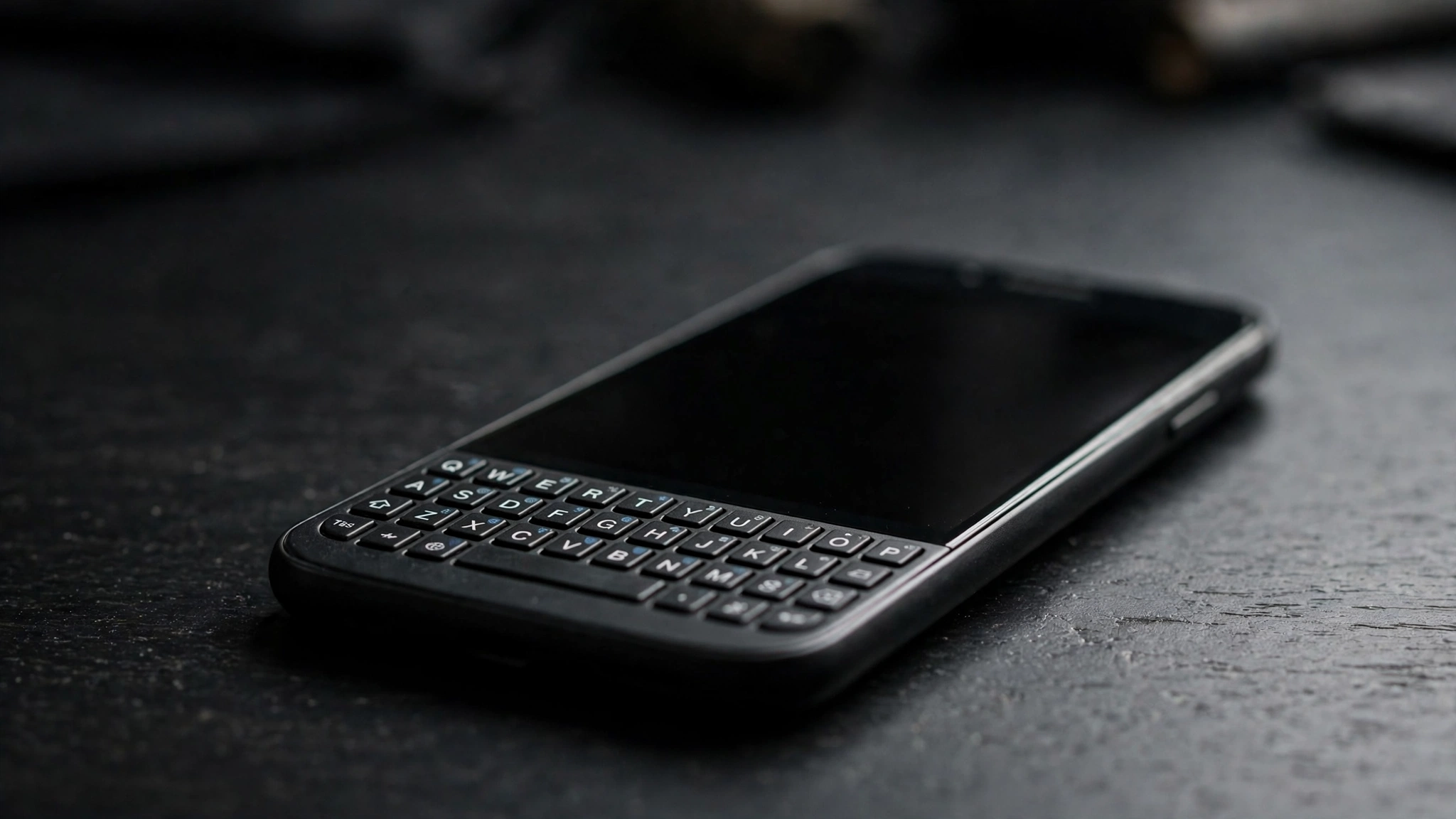
A silent BlackBerry is usually a settings problem, not a dead speaker — especially on Key2 and KeyOne, where notification sounds have a known habit of stopping after a software update. Before assuming hardware failure, work out which speaker is quiet and run the checks below.
Earpiece, Loudspeaker or Both?
A BlackBerry has two speakers that fail for different reasons: the earpiece at the top for calls, and the loudspeaker at the bottom for ringtones, media and speakerphone. Test them separately: call and listen to your ear, then tap speakerphone, then play a song.
If you hear the caller on speakerphone but not through the earpiece, the earpiece itself is the problem. If the earpiece works but ringtones and media are silent, the loudspeaker or its volume stream is at fault. If both are dead, the cause is more likely a setting, a stuck headset mode or a software fault, since both speakers rarely fail at once.
The Settings That Silence a BlackBerry
Android keeps separate volumes for ringtones, media and alarms, and the volume buttons control whichever stream is active. Press volume up while music plays for media volume, and on the home screen for ringtone volume — raising one will not fix the other.
Next, check Do Not Disturb: on Key2 and KeyOne, go to Settings, then Sound, then Do not disturb. Its three modes — Total silence, Alarms only and Priority only — mute ringtones and notifications while leaving alarms working. Turn it off and test again. Also confirm a ringtone and a notification sound are actually selected in Settings, then Sound: a missing sound file leaves the phone silent even at full volume.
KeyOne has one more trap: Flip to mute silences a call when the phone is turned face down. Check it by swiping down twice, tapping the gear icon, then Sound. On the Key2, notification sounds stopping is a documented software issue, so check Settings, then System, then System update. BlackBerry 10 models such as the Passport and Classic no longer receive updates, so a sound fault there is settings or hardware, not a pending fix.
Bluetooth, Headphones and the Stuck Headset Mode
If your BlackBerry is connected to Bluetooth headphones, a car stereo or a wireless speaker, its sound goes there instead of the phone speaker. Turn Bluetooth off and test again.
The headphone jack can cause the same symptom differently. If lint or dust is lodged in the jack, the phone can believe headphones are plugged in and send all audio to an empty socket. Look inside with a light and remove lint gently with a wooden toothpick — never a metal pin. Then try the headset toggle: plug headphones in firmly, play a song through them, then unplug them while it is still playing. This forces the phone to switch audio routes, and a jack stuck in headset mode will usually release. If the phone only plays through headphones, the jack or its sensor is the prime suspect.
Safe Mode, Restart and Software
A misbehaving third-party app can silence a phone, and safe mode is the fastest way to find out. On Key2 and KeyOne, press and hold the power button, then press and hold the Power off option until the “Reboot to safe mode” prompt appears, and tap OK. In safe mode only pre-installed apps run, so test a ringtone: if sound works, an installed app is interfering. Restart normally, then uninstall recently added apps one at a time, starting with the newest.
A restart fixes more than it should: hold the power button for about ten seconds on Key2 and KeyOne, then test the sound. On older BlackBerry 10 phones with a removable battery, such as the Classic and Q10, switch the phone off, remove the battery for a few minutes, then put it back — this clears temporary faults that survive a normal restart.
If an update is pending, install it. Back up contacts and files first: a factory reset wipes the phone and is the last software step.
Water, Dust and the Speaker Grille
The loudspeaker grille on the bottom edge of a Key2 or KeyOne collects lint and dust, and a blocked grille makes the speaker faint, muffled or silent. Brush it gently with a dry, soft-bristled toothbrush, holding the phone speaker-down so dust falls out instead of being pushed in. Do not use compressed air at close range or poke anything sharp into the holes.
If the phone was exposed to water, do not charge it or play loud audio through the speaker until it is dry — leave it in a ventilated place, speaker-down, for several hours. Once dry, the free speaker cleaner on myspeakerfix.com can help: it plays a tone that vibrates the speaker to push trapped water and dust out. Open it, tap Start, and let it run with the phone speaker-down. If the sound is distorted or crackling, the speaker itself is likely water-damaged and cleaning will only go so far.
When It Is Hardware
A speaker that crackles, buzzes or distorts at any volume, or one that works only when you press a certain spot on the phone, has a loose connection or a damaged driver. A phone that went silent after a drop may have a dislodged speaker connector. On the KeyOne the earpiece speaker is a separate part that slides out once the frame is opened, so a repair shop can replace it alone — but opening it yourself risks the display and keyboard ribbon, so leave it to a technician.
If a factory reset does not restore sound and the grille is clean, the speaker or its connection is the remaining explanation — a repair shop can confirm it in minutes. On BlackBerry 10 models, parts are scarce and repair may cost more than the phone is worth — a Bluetooth speaker or headset can keep an old Classic usable for calls even with a dead loudspeaker.
Frequently Asked Questions
Why does my BlackBerry Key2 have no notification sounds?
Notification sounds stopping is a known Key2 software issue, so check for a system update first. Also check Do Not Disturb and confirm a notification sound is selected in Settings, then Sound.
Why does my BlackBerry only play sound through headphones?
The phone likely believes headphones are still plugged in — lint in the jack can trigger this, or the sensor can stick. Clean the jack, then plug headphones in and unplug them while music plays to force the route back.
How do I test whether an app is causing the sound problem on my KeyOne?
Hold the power button, then press and hold Power off until the safe mode prompt appears. If sound works in safe mode, an installed app is interfering — restart normally and uninstall recent apps one at a time.
Can a blocked speaker grille make a BlackBerry completely silent?
Packed lint or dust can make the loudspeaker faint or silent while the earpiece still works. Brush the grille with a dry soft toothbrush, phone speaker-down, and run a cleaning tone to vibrate out trapped dust and water.