
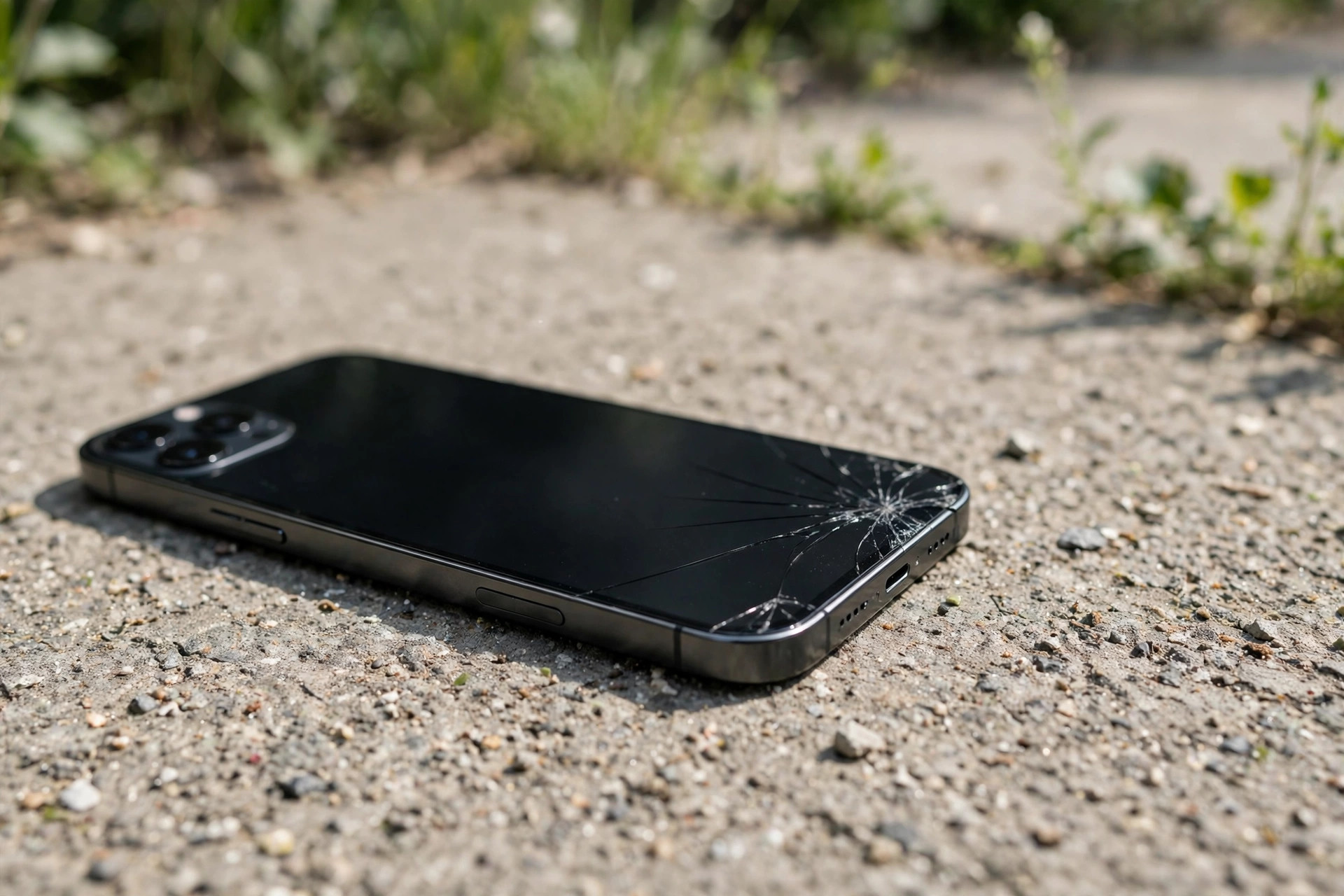
Phone Speaker Muffled After Dropping It? Here’s What to Do (2026)
If your speaker sounded fine before the drop and muffled the instant it hit the floor, the cause is almost certainly mechanical — not dirt. A drop can force debris deeper into the grille, loosen the speaker’s internal connector, or dent the thin membrane that produces sound. Here is how to diagnose it and what to try before visiting a repair shop.
What a Drop Actually Does to Your Speaker
Three things can happen inside your phone when it hits the ground:
1. Debris gets driven INTO the grille. Dust and lint that was sitting harmlessly on the surface can be rammed deeper into the grille holes on impact. This is the best-case scenario — it is still just blockage, and gentle cleaning can fix it.
2. The speaker connector loosens. The speaker connects to the phone’s main board with a tiny press-fit connector or soldered contact. A hard impact can partially unseat it, causing muffled, intermittent, or one-sided sound.
3. The membrane gets damaged. The speaker’s diaphragm is an extremely thin film. A sharp impact can dent, crease, or tear it. A damaged membrane distorts sound at every volume and cannot be fixed by cleaning — it needs a replacement speaker.
The timing tells you a lot: an instant change at the moment of impact points to causes 2 or 3. Gradual muffling that you only noticed later is more likely debris.
Step 1: Inspect for Physical Damage
Before anything else, look at your phone:
- Check the speaker grille for dents, cracks, or pushed-in mesh.
- Look at the phone’s frame near the speaker for bends or cracks.
- If the phone landed in water or on a wet surface, treat it as water damage instead — see our water damage speaker guide.
Visible damage near the speaker is a strong sign the problem is hardware. Skip ahead to “When It’s Definitely Hardware” below.
Step 2: Restart and Test
A drop can occasionally glitch the audio system. Rule out software first:
- Restart your phone completely (not just lock and unlock).
- Play audio from several sources — try a voice call on speakerphone, a music app, and a video.
- Test at low, medium, and maximum volume.
If the sound is fine in some apps but not others, it is software — not drop damage. If it is muffled everywhere, keep going.
Step 3: Clean the Grille Gently
If the impact drove debris into the grille, gentle cleaning may restore the sound:
- Hold the phone speaker-side down.
- Use a clean, dry, soft-bristled toothbrush with light one-direction strokes.
- Follow up with poster putty (Blu-Tack): press lightly over the grille and peel away to lift compacted lint.
- Optionally, run a speaker cleaning tone to vibrate loose particles out.
Be honest with yourself here: if the muffling started the exact second the phone hit the ground, debris is unlikely to be the whole story. But cleaning is free and safe, so it is worth ruling out.
Step 4: Test Across Volumes and Movement
This is the key diagnostic step:
- Play audio at several volumes. Distortion that appears at ALL volumes — even very quiet — points to a damaged membrane.
- Gently move and tilt the phone while audio plays. If the sound cuts in and out, crackles, or changes when you move the phone, the speaker connector is likely loose.
- Press lightly on the phone’s frame near the speaker. If pressure changes the sound, that is another sign of a loose connection or a speaker that has shifted in its housing.
When It’s Definitely Hardware
See a repair technician if:
- The speaker distorts at every volume level, even after cleaning.
- Sound cuts in or out when you move, tilt, or tap the phone.
- There is no sound at all from the speaker (but headphones and Bluetooth work fine).
- You can see a dented grille or cracked frame near the speaker.
No cleaning tone, app, or software trick can fix a torn membrane or a loose connector. A speaker replacement is usually a quick, inexpensive repair — do not keep running “fixes” that cannot work.
Frequently Asked Questions
Can dropping my phone permanently damage the speaker?
Yes. A hard drop can tear or dent the speaker membrane or break its connection to the main board. If cleaning and restarting do not help and the damage started at the moment of impact, assume it is hardware.
My speaker sounds rattly after a drop but still works. Is that fixable?
A rattle usually means the membrane is creased or the speaker has shifted in its housing. It will not heal on its own. A technician can reseat or replace the speaker — it is typically a cheap part plus labor.
Should I open the phone myself to reseat the speaker connector?
We do not recommend it. Modern phones are glued and sealed; opening one without the right tools risks breaking the screen, the waterproof seal, or the battery. Let a professional do it.
Will a water-eject sound help after a drop?
Only if the problem is loose debris in the grille. If the drop damaged the membrane or connector, sound-based cleaning does nothing — it cannot repair physical damage. Try it once; if there is no improvement, stop and see a technician.
Related guides: