
Is My Phone Speaker Blown or Just Dirty? How to Tell (2026)
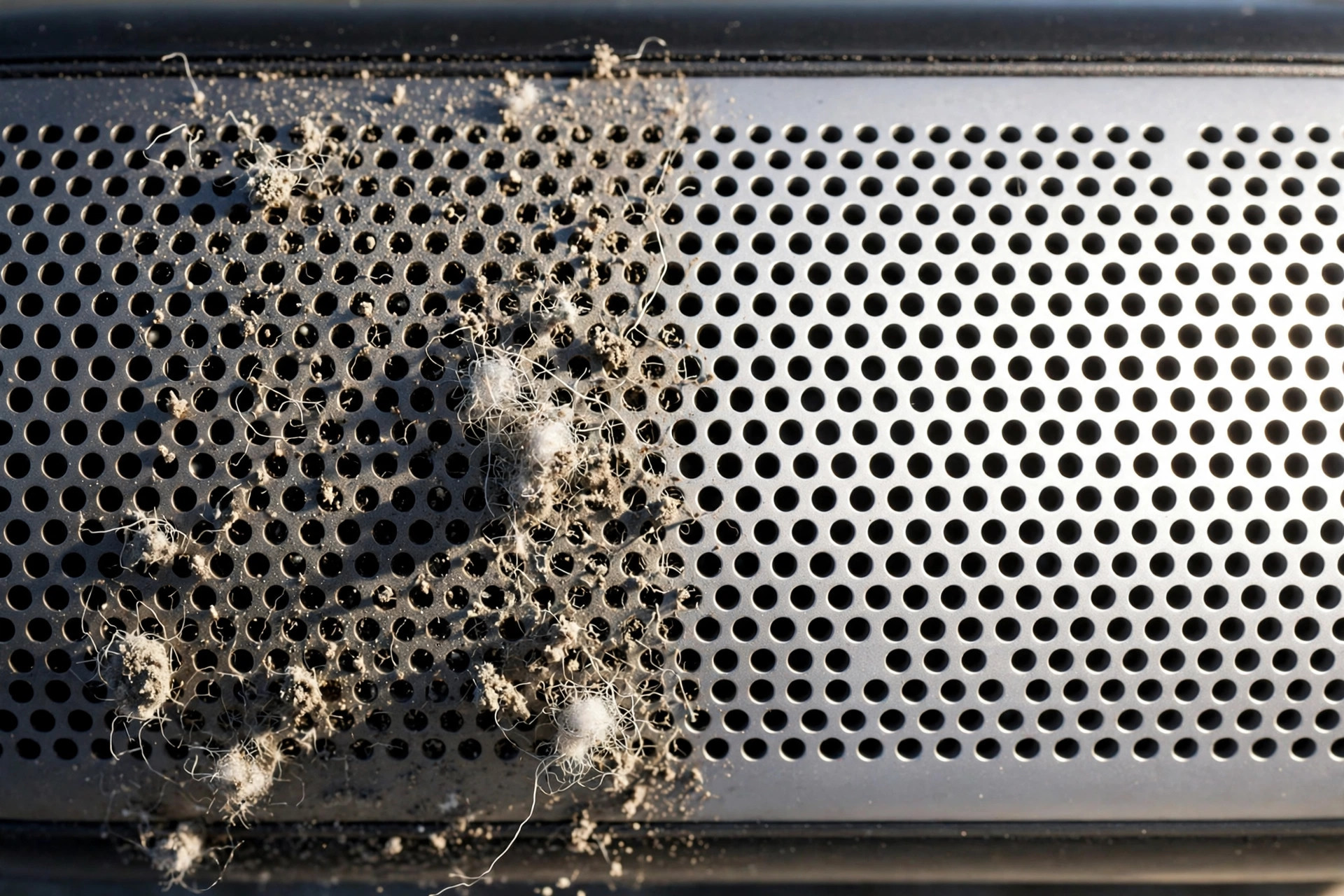
A blown phone speaker crackles or distorts at every volume level and usually fails suddenly — after a drop, water exposure, or a blast of max-volume noise. A dirty speaker fades gradually, sounds muffled, and improves after cleaning. Run the software checks and speaker tests below before panicking — most “dead” phone speakers turn out to be dirty, not broken.
How It Started: The Single Best Clue
Think back to when the problem began — this one detail tells you more than any app can:
- Gradual fade over days or weeks (calls getting quieter, music sounding duller) almost always means dust, lint, or skin oils building up in the speaker grille.
- Sudden failure right after an event (a drop, a swim, a fall into a puddle, or one extremely loud notification) points to hardware damage or trapped liquid.
- Sound was fine yesterday, dead today with no incident? That’s usually a software glitch — check the software section below before assuming the worst.
Rule Out Software First (5 Minutes)
Before testing the hardware, eliminate the free fixes. A shocking number of “blown speaker” reports are just settings:
- Restart your phone. This clears temporary audio driver glitches that mute or distort output.
- Turn off Bluetooth. Your phone may be routing sound to forgotten earbuds or a car stereo.
- Check Do Not Disturb / Silent mode. Flip the iPhone side switch; on Android, check no DND schedule is active.
- Turn off EQ and sound effects. Aggressive equalizer presets can cause distortion that mimics a blown speaker. Reset to “Flat” or “Off.”
- Try a different app. If the distortion only happens in one app, it’s the app — not your speaker.
- Install pending OS updates. Audio bugs get fixed in updates; retest afterward.
If the problem survives all of this, move on to hardware testing.
Test Each Speaker Separately
Most phones have two sound paths: the loudspeaker (bottom) and the earpiece (top, for calls). Testing them separately narrows the diagnosis:
- Play music or a video through the bottom loudspeaker at medium volume. Distorted, rattling, or quiet?
- Make a call on regular mode (not speakerphone) and hold the phone to your ear. This tests the earpiece speaker. Quiet, crackly, or silent?
- Play a spoken-word clip (a podcast or voice memo) at low, medium, and high volume. Speech reveals distortion more clearly than music.
- Cover each speaker grille with your finger one at a time to confirm which one is misbehaving.
If only the earpiece sounds bad, the fix is often simple — earpiece mesh clogs with skin oils and dust. Our earpiece fix guide walks through it.
Signs It’s Just Dirty (Good News)
- Sound is muffled or quiet but not crackling or distorted.
- Volume fluctuates — louder when you tilt the phone or tap the back.
- The problem built up gradually over weeks.
- Sound improves after cleaning the grille with a soft brush or a water-eject sound.
- Distortion only appears at maximum volume but disappears at 70–80%.
If these match, try the free Fix My Speaker tool — its vibration tones push dust and water out of the grille. For water specifically, see our water removal guide.
Signs It’s Actually Blown (Bad News)
A blown speaker means the diaphragm or voice coil is physically damaged. Watch for:
- Distortion at ALL volume levels, even very quiet ones. This is the classic sign — a dirty speaker usually clears up at lower volumes.
- Rattling or buzzing on bass notes and low voices, like something loose is vibrating inside.
- No sound at all from one speaker, while the other works fine (and software is ruled out).
- Harsh, tinny sound that appeared suddenly after a drop or after playing something extremely loud.
- The speaker pops or clicks when audio starts and stops.
A blown speaker cannot be fixed with software, cleaning sounds, or apps. No tone or frequency can repair a torn diaphragm.
When to Visit a Repair Shop
Seek professional help if:
- Distortion persists at every volume after a full clean and all software checks.
- One speaker is completely silent.
- The phone took a hard drop and the sound changed instantly.
- The phone was exposed to salt water or sugary liquid — corrosion keeps spreading.
Speaker replacement is usually one of the cheapest phone repairs — often done in under an hour.
Frequently Asked Questions
Can a blown phone speaker fix itself?
No. A damaged diaphragm or voice coil does not heal. If the sound is improving on its own, it was never blown — likely moisture evaporating or a software glitch resolving.
Can playing loud sounds blow my phone speaker?
Rarely. Modern phones have limiters that protect the speaker. What actually blows speakers: hard drops that tear the diaphragm, and liquid that corrodes the coil.
How do I clean a dirty phone speaker safely?
Gently brush the grille with a soft, dry toothbrush, then play a 165Hz cleaning tone with the speaker facing down so vibration ejects the debris. Never poke the grille with pins or needles.
My speaker sounds fine on calls but distorted on music. Blown?
Probably not. Music’s bass exposes dirt and minor damage more than speech does. Clean the grille and retest — if distortion vanishes at moderate volume, it was dirt.
Related guides: